



Need realistic faces for your next creative project but lack the budget for professional models? AI random face generators create photorealistic human portraits in seconds, offering unlimited diversity without copyright concerns.
Over 34 million AI images are generated daily, with the face generator market projected to reach $1 billion by 2030. These powerful tools serve marketing campaigns, game development, and design projects with cost-effective solutions that traditional photography simply can't match.
Why Use an AI Random Face Generator for Your Next Project?
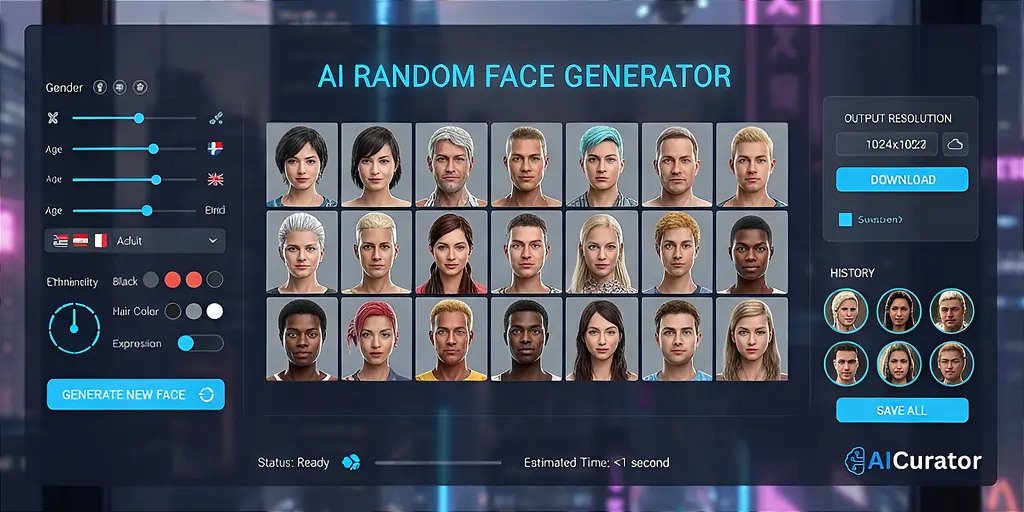
Looking to skip photoshoots and licensing nightmares? AI random face generators powered by GANs create photorealistic synthetic faces instantly—no models, no rights headaches.
Perfect for UI/UX mockups, these tools deliver diverse, non-existent people across ages and ethnicities, making your prototypes feel real without privacy risks. Marketers love them for building hyper-targeted personas and ad visuals without hiring talent.
Developers? Use them as training datasets for facial recognition while dodging bias issues tied to real faces. Plus, they're insanely cost-effective—generate unlimited character designs and placeholder avatars in seconds, cutting budgets and timelines dramatically.
AI Random Face Generators to Inspire Your Creative Projects
| AI Random Face Generators | Primary Function | Ideal User |
|---|---|---|
| Picsart | Creative Suite | Social media creators and hobbyists needing quick, stylish content. |
| ArtGuru | Artistic Face Generator | Artists and designers needing quick, style-diverse face concepts. |
| YouCam AI Pro | Realistic Face Generator | Businesses and professionals needing commercially usable, diverse AI faces. |
| Canva | Design Integration | Marketers and designers seeking seamless integration into their workflow. |
| Generated Photos | Photorealistic Faces | Developers and high-end projects requiring photorealistic, diverse faces. |
| Fotor | Editing & Generation | Content creators needing both face generation and photo editing. |
| VanceAI | Image Enhancer | Photographers and designers wanting to enhance existing face images. |
1. Picsart
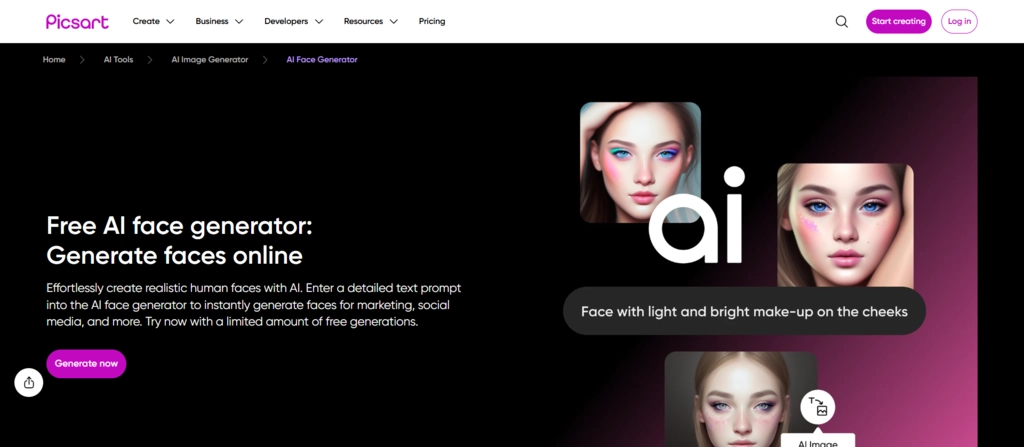
Picsart’s AI Face Generator is your secret weapon inside a full creative suite, built for social media managers and entrepreneurs who need scroll-stopping, studio-quality faces in minutes. Powered by its Ignite AI tech, it churns out unique, high-res visuals that look ready for campaigns, thumbnails, and branded content without the usual hassle.
The real magic starts after the face appears. In the same clean interface, you can flip that AI portrait into a polished ad, carousel, Reel cover, or website banner using pro-grade editing tools, filters, and text. No app-hopping, no designer delays—just idea, AI face, and publish-ready creative in one streamlined workflow from prompt to final asset.
Picsart Pros
Picsart Cons
Free Trial: Free plan with 5 weekly credits ★★★☆☆
Why pick Picsart?
Choose Picsart for its seamless integration of face generation and powerful editing tools, allowing you to create and design in one place.
2. ArtGuru
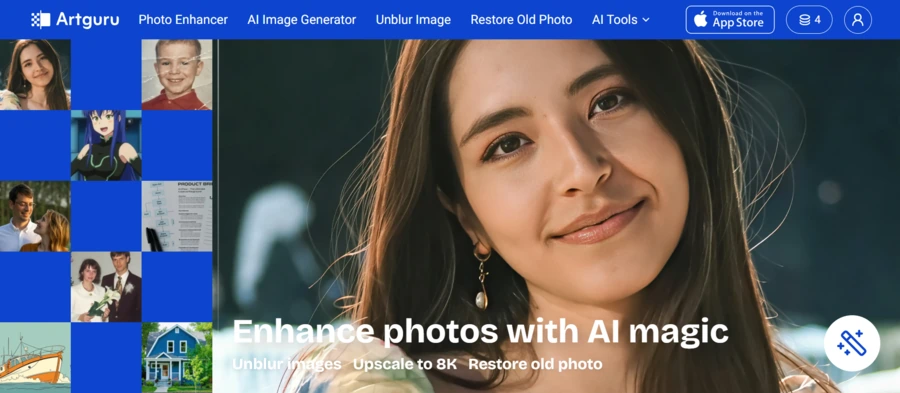
ArtGuru stands out for its simplicity and speed. This AI face generator lets you create realistic or artistic faces from simple text prompts or by uploading a photo. It’s a go-to for artists and designers who want to brainstorm character ideas fast.
What makes ArtGuru so appealing is its accessibility. You can generate several high-quality faces for free every day, making it an excellent choice for anyone wanting to experiment without financial commitment. The variety of styles, from realistic to anime, offers great creative flexibility.
ArtGuru Pros
ArtGuru Cons
Free Trial: 5 free credits on first visit ★★★★☆
Why pick ArtGuru?
Pick ArtGuru for its straightforward text-to-face generation and diverse style options, perfect for rapid creative exploration without any cost.
3. Perfect Corp (YouCam AI Pro)
YouCam AI Pro by Perfect Corp is a powerhouse for generating highly realistic and diverse human faces. It allows creation from both text and photos and is particularly strong for business use, as it grants users ownership of the generated content.
With over 30 AI art styles, this tool is perfect for creating characters that reflect true diversity in age, ethnicity, and body type. Its features, like AI Headshot and Face Swap, make it a versatile solution for professional marketing and branding projects.
YouCam AI Pros
YouCam AI Cons
Free Trial: Free version is available for use ★★★★☆
Why pick YouCam AI Pro?
YouCam AI Pro is ideal for professionals, offering content ownership and a vast array of styles for high-quality commercial projects.
4. Canva AI Face Generator
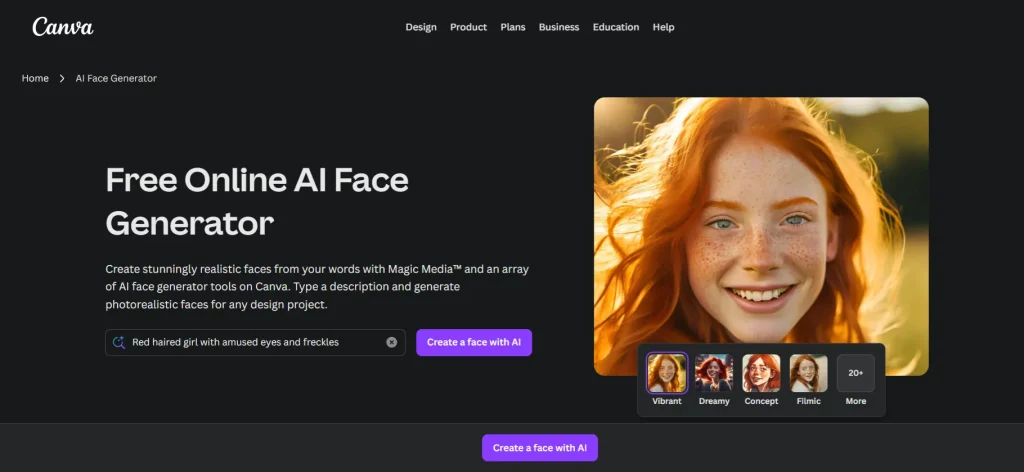
Canva’s AI Face Generator is the ultimate tool for efficiency, built directly into a platform that millions already use. It's a game-changer for marketers and designers who can generate a face and drop it straight into a project without switching tabs.
The tool gives you impressive control over details like age, ethnicity, and expression, ensuring you get the exact character you need. Paired with Canva's user protection policies, it’s a reliable and safe choice for creating inclusive and engaging designs effortlessly.
Canva Pros
Canva Cons
Free Trial: 50 images lifetime on the free plan ★★★☆☆
Why pick Canva AI Face Generator?
Canva's tool is unmatched for workflow efficiency, letting you instantly use generated faces within your ongoing design projects.
5. Generated Photos
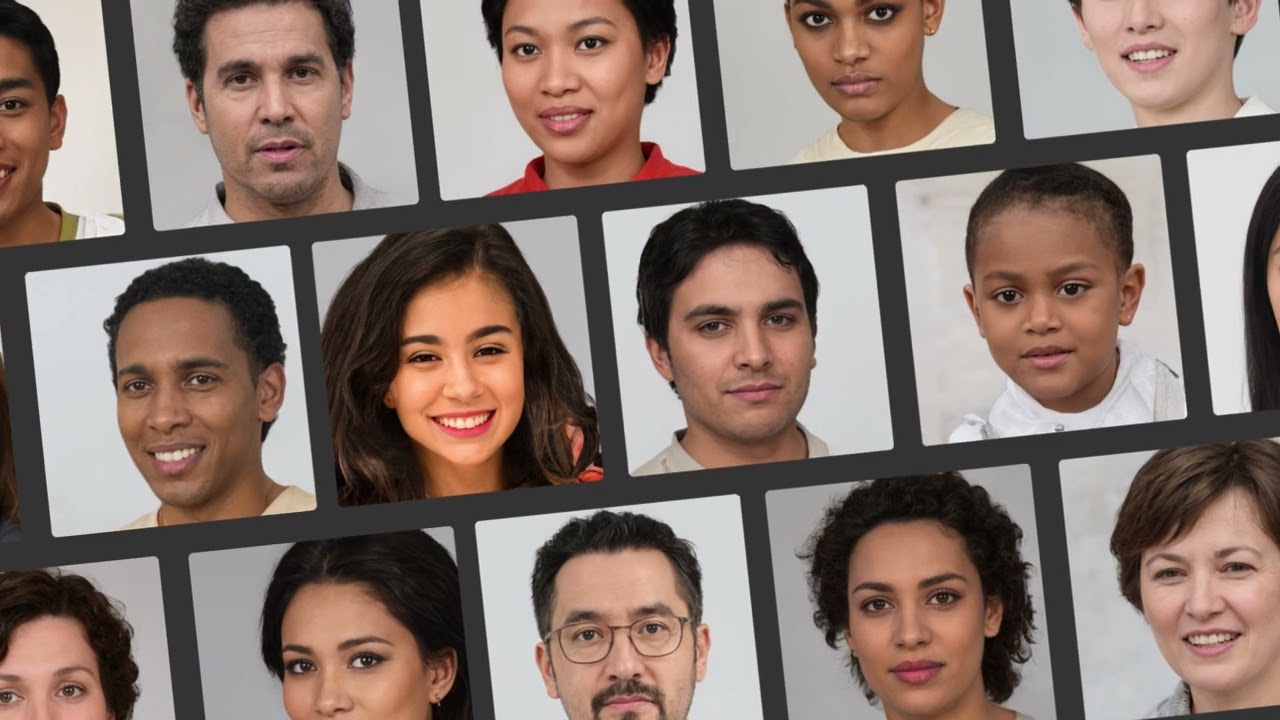
Generated Photos is the industry leader for photorealistic AI faces. Trusted by major platforms like the BBC and Forbes, this tool is designed for projects where quality and realism are non-negotiable. It creates stunningly lifelike and diverse faces.
Its strength lies in its powerful customisation options, allowing you to fine-tune every aspect of a face to meet your specific needs. While it's a premium service, the quality of the output justifies the investment for high-stakes commercial or development work.
Generated Photos Pros
Generated Photos Cons
Free Trial: Free access with lower quality downloads ★★★★☆
Why pick Generated Photos?
For unparalleled realism, choose Generated Photos. It delivers top-tier, customisable faces trusted by industry leaders for professional results.
6. Fotor
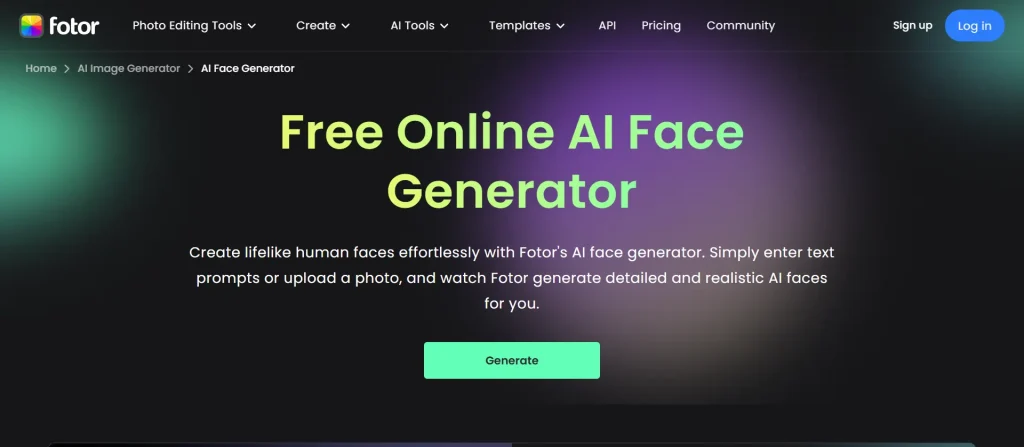
Beyond just realistic faces, Fotor offers various styles like anime, 3D, and cyberpunk. This flexibility makes it an excellent choice for content creators who need to produce a wide range of visual assets, from simple headshots to imaginative character art.
Fotor is a versatile creative platform that combines a robust AI face generator with a complete suite of photo editing tools. You can create unique faces from text or photos and then immediately enhance them using professional-grade features, all in one place.
Fotor Pros
Fotor Cons
Free Trial: Free basic version with limited features ★★★☆☆
Why pick Fotor?
Fotor is a creative powerhouse, combining AI face generation with a complete photo editor for a powerful, all-in-one project workflow.
7. VanceAI
VanceAI shines as a specialised AI enhancement tool. While it doesn't generate faces from scratch, it is the perfect finishing tool for improving the quality of existing portraits or other AI-generated faces. It excels at upscaling, sharpening, and reducing noise.
This tool is incredibly useful for photographers and designers who need to ensure their final images are of the highest quality. Its intuitive interface automates tedious editing tasks, allowing you to transform good images into polished, professional-grade visuals with just a few clicks.
VanceAI Pros
VanceAI Cons
Free Trial: Free trial available with limited credits ★★★☆☆
Why pick VanceAI?
When final quality is everything, pick VanceAI to upscale and enhance your generated faces, turning good images into great ones.
How to Generate a Unique Portrait with an AI Random Face Generator?
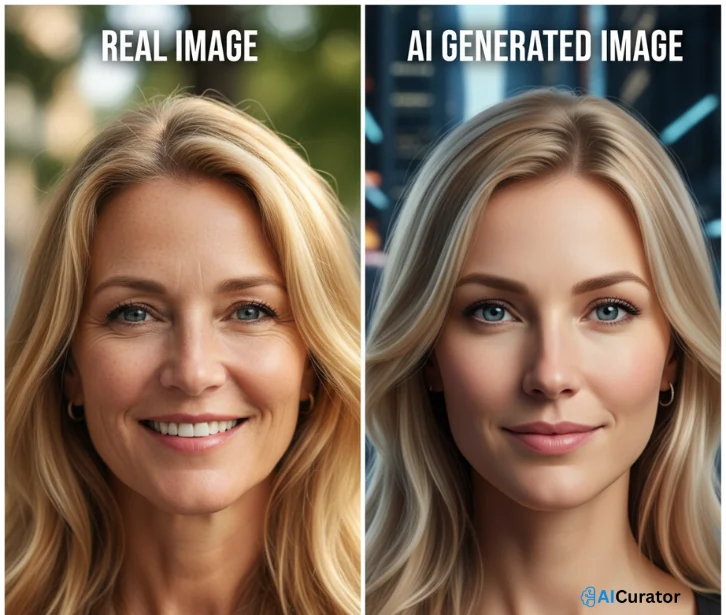
Stop Wasting Money on Stock Photos—AI Does It Better
AI random face generators have flipped content creation. These tools eliminate licensing fees, model costs, and legal hassles while delivering realistic synthetic faces tailored to your needs. Generate custom portraits for ads, mockups, and social media in seconds—no photoshoots required.
The smartest teams already switched. Agencies use AI faces for campaigns, developers train facial recognition systems, and creators prototype faster and cheaper than ever. Pick a tool, start free, and watch your production speed multiply while budgets shrink.
Recommended Readings: