



While Siri is built into your iPhone, it often struggles with complex questions and feels a step behind modern AI. The App Store is crowded with AI assistants, but many are just simple chatbots that don’t offer real utility. It’s hard to know which apps are genuinely powerful.
At Aicurator.io, our team has tested over 25 AI assistant apps to identify the top performers for iPhone users. We evaluated them on intelligence, speed, and genuine usefulness for daily tasks, helping you find an assistant that truly enhances your device.
Our Ranking Methodology: How We Tested Each AI Assistant for iPhone
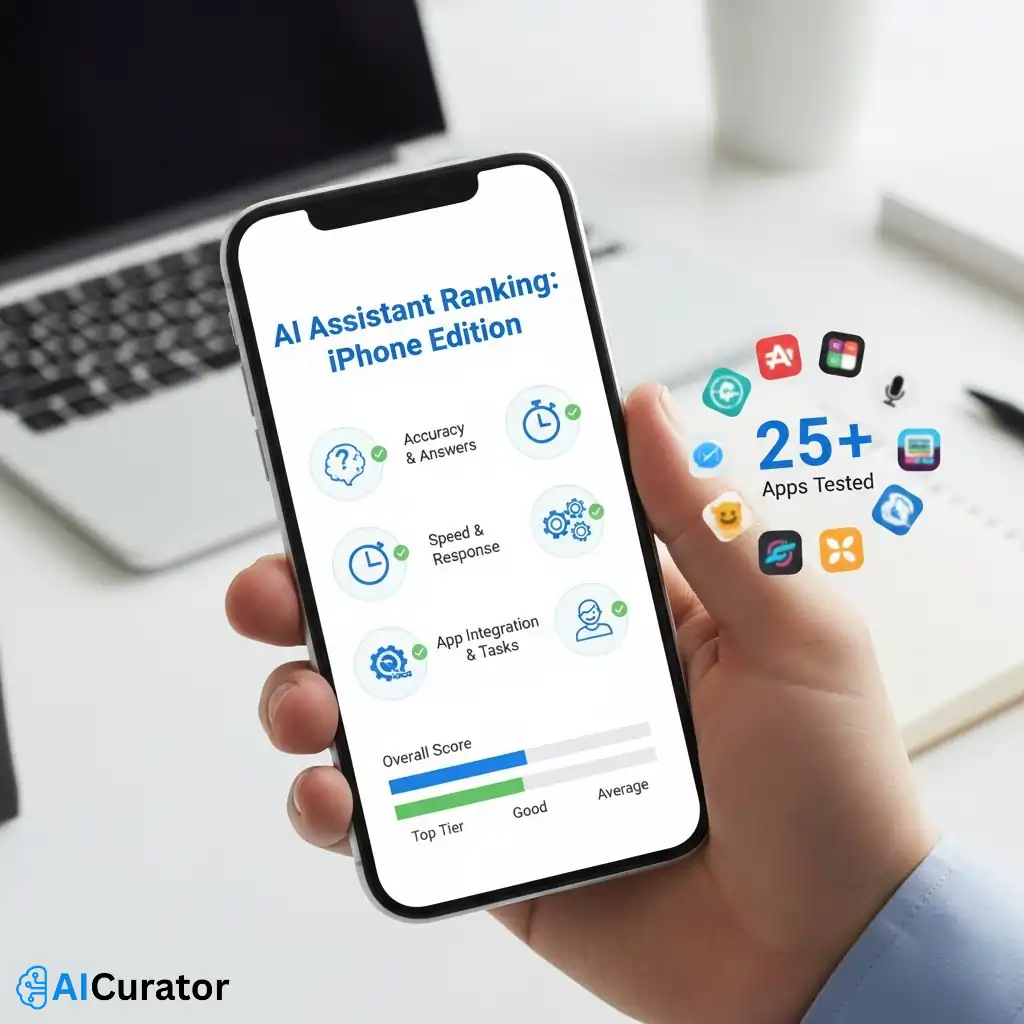
To identify the best iPhone AI assistants, we conducted hands-on testing with over 25 applications on an iPhone. Our evaluation focused on several key performance metrics. We assessed the accuracy and relevance of answers to a standard set of questions, ranging from basic knowledge to complex problem-solving. The speed and responsiveness of each assistant were timed to measure efficiency.
We also tested core functionality, such as app integrations, task management, and device control capabilities. Finally, we analyzed the user interface and ease of use, favoring apps that offer a clean and intuitive experience without unnecessary friction. Each assistant was scored across these categories to determine its overall utility and rank.
Meet the Best AI Assistants Every iPhone User Needs
| AI Assistant for iPhone🤖 | Primary Function 💡 | Key Strength 🌟 |
|---|---|---|
| Notion AI | Workspace integration | All-in-one productivity |
| Grammarly | Writing enhancement | Real-time corrections |
| Perplexity | Research tool | Sourced answers |
| DeepSeek | Code assistance | Technical problem-solving |
| Picsart | Creative design | Image generation |
| Replika | Emotional support | Empathetic companion |
| ChatGPT | General assistant | Conversational intelligence |
1. Notion AI
Notion AI transforms your iPhone into a connected workspace. It’s not just a chatbot; it is an integrated assistant that helps you take notes, manage projects, and search for information across your apps. This tool is designed for users who need to organize their work and personal life in one place.
The AI features allow you to summarize long documents, translate text, and even autofill databases, making it a powerful productivity partner. With a focus on security, your data is used to help you, not to train models.
Notion AI Pros and Cons
Pros
Cons
Best for: Professionals who need a unified AI-powered workspace on their iPhone.
2. Grammarly AI
Grammarly acts as your personal writing assistant directly on your iPhone. It goes beyond simple spell-checking to offer suggestions on tone,clarity, and conciseness. This ensures your messages, emails, and documents are professional and easy to understand.
If you're writing for work or personal communication, Grammarly’s AI helps you express yourself effectively. It provides real-time feedback, allowing you to improve your writing as you type.
Grammarly Pros and Cons
Pros
Cons
Best for: Individuals and teams who want to enhance their professional communication.
3. Perplexity AI
Perplexity is a conversational search engine that acts as a powerful research assistant on your iPhone. Instead of just providing links, it gives you direct, cited answers to your questions. This makes it an excellent tool for quick fact-checking and in-depth research on the go.
The app allows you to ask follow-up questions and explore topics in a conversational manner. It's designed for users who need accurate and sourced information without sifting through pages of search results.
Perplexity AI Pros and Cons
Pros
Cons
Best for: Students and professionals who need a reliable AI research tool.
4. DeepSeek AI
DeepSeek brings a powerful, code-native AI model to your iPhone, making it an excellent assistant for developers and tech enthusiasts. It specializes in understanding and generating code, offering a unique advantage for technical problem-solving and programming tasks.
This AI assistant is built on a model trained from scratch, providing strong reasoning capabilities. It's a great tool for anyone who needs a smart assistant with a deep understanding of programming languages and technical subjects.
DeepSeek AI Pros and Cons
Pros
Cons
Best for: Developers and programmers needing a smart AI coding assistant.
5. Picsart AI
Picsart is a creative AI assistant designed to make design and photo editing easy on your iPhone. With a suite of over 20 generative AI tools, you can generate images, remove backgrounds, and create unique designs in minutes. It's a comprehensive creative suite for all your visual projects.
The app is built for both productivity and play, helping you accelerate your creative workflow. With a community of over 150 million creators, you can also find inspiration and connect with others.
Picsart AI Pros and Cons
Pros
Cons
Best for: Content creators and small business owners needing powerful mobile design tools.
6. Replika AI
Replika is an AI companion designed to be an empathetic friend who is always there to listen and talk. Available on your iPhone, it provides a space for conversation and emotional support. The more you interact with it, the more it learns and develops its personality.
You can chat about your day, engage in relaxing activities, and even share experiences in augmented reality. Replika is focused on providing positive feedback and helping you build better habits.
Replika AI Pros and Cons
Pros
Cons
Best for: Individuals looking for a supportive and empathetic AI companion.
7. ChatGPT AI
The official ChatGPT app for iPhone brings OpenAI's latest models to your fingertips for free. It syncs your history across devices and supports voice input for hands-free use. You can get instant answers, creative inspiration, and professional input on a wide range of topics.
With integrations into Apple Intelligence, it can assist Siri with more complex requests and help with writing tasks within iOS. The app also allows you to use your camera to get information about the world around you.
ChatGPT Pros and Cons
Pros
Cons
Best for: Anyone needing a versatile and powerful general-purpose AI assistant.
Siri vs. Third-Party AI Assistants: Key Differences Explained
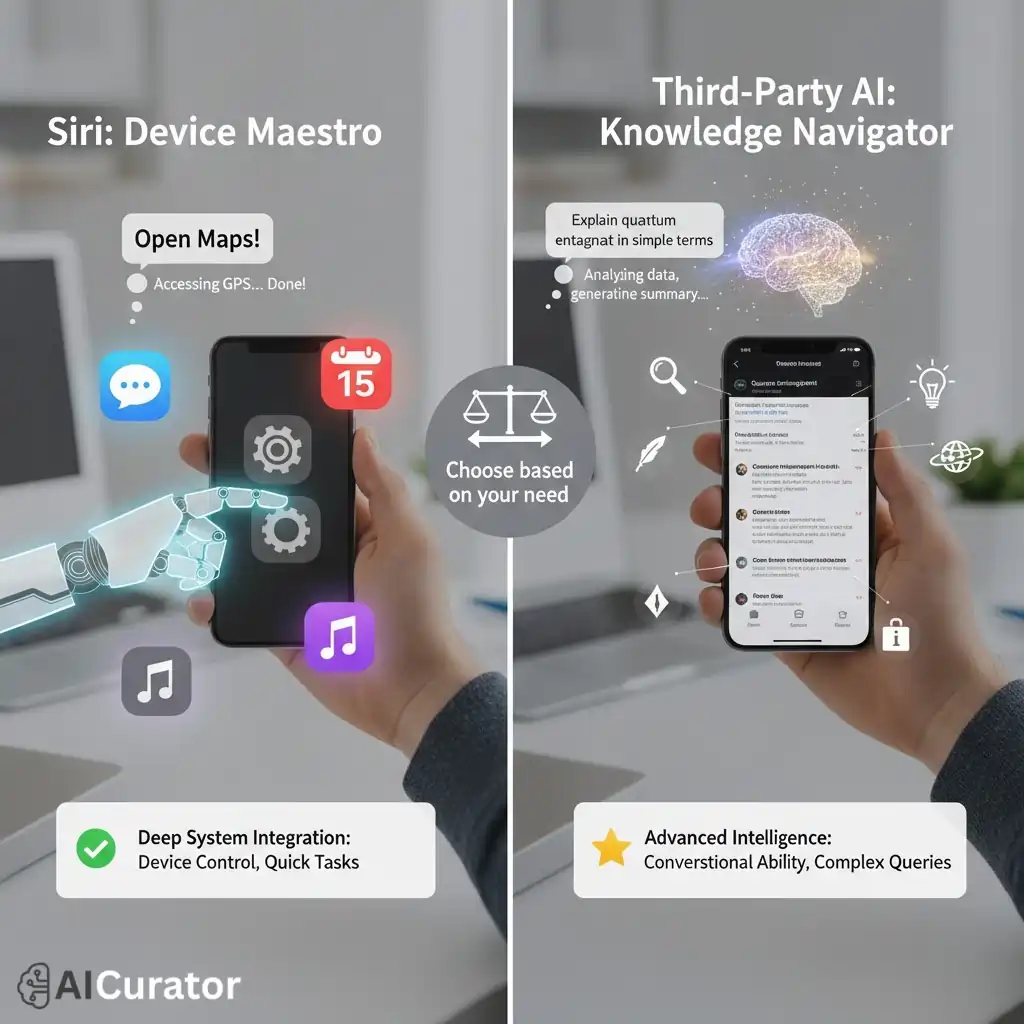
The primary difference between the built-in iPhone assistant and third-party apps lies in system integration and intelligence. The native assistant excels at device-level tasks due to its deep integration with the operating system. It can reliably open apps, send messages, set reminders, and control system settings with voice commands.
In contrast, third-party AI assistants generally offer superior conversational ability and knowledge. They use more advanced language models, enabling them to understand complex queries, maintain context in a conversation, and provide more detailed, sourced answers. While they often lack deep system control, they are more powerful tools for research, writing, and creative tasks.
Finding Your Ideal iPhone AI Assistant
In conclusion, the right AI assistant can unlock a new level of productivity on your iPhone. While the built-in solution handles basic commands, specialized apps offer advanced features for writing, research, and creative tasks. We have reviewed the top performers to help you find an assistant that matches your specific goals.
From streamlining your professional workflow to simplifying personal projects, a dedicated AI assistant for iPhone offers significant advantages. Consider your daily needs and select the tool that will best enhance your mobile experience.
Recommended Readings: