








Creating a solid first impression is everything in the digital world. For designers, developers, and marketers, a mockup is your secret weapon. It transforms a simple idea into a visual pitch, letting you showcase your vision on everything from a t-shirt to a new app interface.
But which mockup tool should you use? With so many options out there, picking the right one can feel like a chore. Don't you worry. We've done the heavy lifting for you. Here is a curated list of the 7 best mockup tools that will help you create stunning, professional-looking designs. Let's get into it.
Understanding the Core Functionality of Modern Mockup Tools
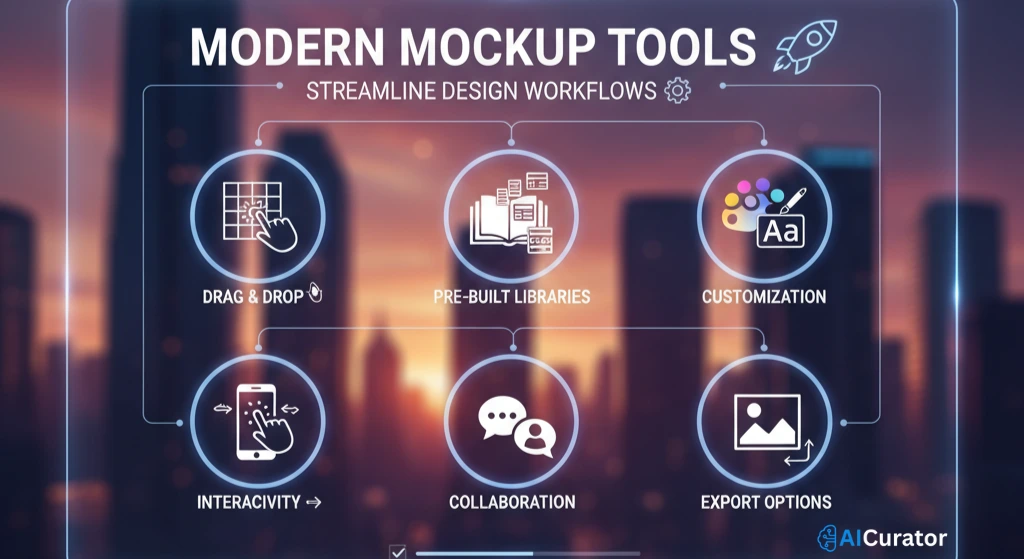
Modern mockup tools are specialized software applications designed to create high-fidelity, static, or interactive visual models of a final product, such as a website or mobile application. Their primary function is to translate abstract ideas and low-fidelity wireframes into a realistic preview of the user interface, incorporating elements like color schemes, typography, and imagery before any code is written.
This allows stakeholders to visualize and agree upon the aesthetic and functional direction of a project. The core functionality extends beyond static images to include interactive prototyping, enabling designers to build clickable user flows that simulate the end-user experience. This is critical for conducting usability tests and gathering feedback early in the design cycle.
These tools facilitate efficient workflows through features like pre-built asset libraries, UI kits, and drag-and-drop interfaces. Furthermore, many platforms incorporate advanced AI-powered capabilities for tasks like background removal, automated image generation, and intelligent scene creation, significantly accelerating the design process.
Mockup Tools That Bring Your Ideas to Life
| Mockup Tools | Core Function | Main Advantage |
|---|---|---|
| Figma | Team Collaboration | Real-time Editing |
| Mockey.ai | AI Mockup Generator | Completely Free |
| Adobe XD | UI/UX Prototyping | Adobe Integration |
| Sketch | Native Mac App | Fast Performance |
| Canva | Easy Design | AI Mockup Creator |
| ClickUp | Project Management | Manages Workflows |
| Moqups | Visual Planning | All-in-One Tool |
1. Figma
Figma has become the go-to platform for UI/UX design, and for good reason. It's a cloud-based tool that puts real-time collaboration at its core, allowing entire teams to work together in a single file simultaneously. This creates a single source of truth that keeps everyone aligned.
Whether you're a designer, developer, or project manager, Figma ensures a seamless workflow. Its powerful features for design, prototyping, and developer handoff make it an all-in-one solution for modern product teams.
Figma Key Features
Who's It For?
Professional UI/UX designers and large teams need a complete solution for design, prototyping, and seamless collaboration across departments.
2. Mockey.ai
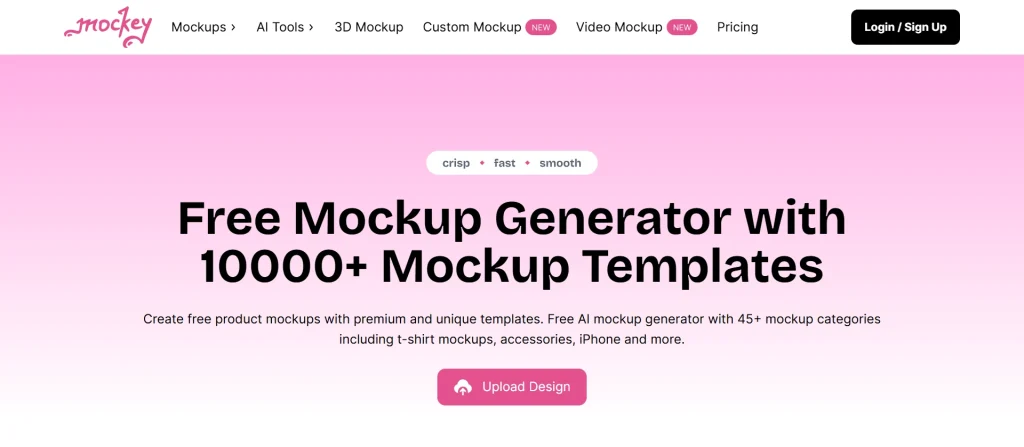
If you need to create stunning product mockups without spending a penny, Mockey.ai is your new best friend. This free online tool uses AI to help you generate thousands of unique, high-quality mockups in seconds. It's incredibly user-friendly and perfect for showcasing your designs on various products.
It’s an ideal solution for anyone needing to produce professional-grade mockups quickly. With its vast library and AI-powered features, you can create eye-catching visuals for your e-commerce store or marketing campaigns effortlessly.
Mockey.ai Key Features
Who's It For?
E-commerce owners, print-on-demand sellers, and marketers need a fast, free, and easy way to create professional product mockups.
3. Adobe XD
Adobe XD is a solid contender in the UI/UX design space, backed by the power of the Adobe ecosystem. As a vector-based tool, it's built for creating everything from wireframes and mockups to animated prototypes. Its main strength is its seamless integration with other Adobe apps.
This makes it a great choice for designers already working within the Creative Cloud. The ability to easily move assets between Photoshop, Illustrator, and XD streamlines the entire creative process, from initial concept to final prototype.
Adobe XD Key Features
Who's It For?
Designers and creative teams already invested in the Adobe Creative Cloud suite who want a powerful, integrated UI/UX design and prototyping tool.
4. Sketch
Sketch was one of the first design tools to truly focus on UI/UX, and it still holds a special place in the hearts of many designers. As a native macOS app, it's known for its speed, simplicity, and powerful vector editing capabilities.
While many have moved to cloud-based tools, Sketch offers a focused, offline-first experience that many professionals appreciate. It has since added real-time collaboration features, blending the benefits of a native app with the need for teamwork.
Sketch Key Features
Who's It For?
Mac users who prefer a fast, native application for UI/UX design and value a clean interface with powerful offline capabilities.
5. Canva
Canva has made design accessible to millions, and its mockup capabilities are surprisingly powerful. While not a specialised UI/UX tool, Canva is a visual suite for almost any creative task you can imagine. Its free AI Mockup Generator is a standout feature for creating product visuals.
With just a few clicks, anyone can place their designs onto a huge range of products. This makes it a go-to tool for quick, professional-looking marketing assets without the steep learning curve of more specialised software.
Canva Key Features
Who's It For?
Marketers, small business owners, and content creators need to produce great-looking visuals and product mockups quickly and easily.
6. ClickUp
ClickUp is a bit different from the other tools on this list. It's not a dedicated mockup creation tool but an all-in-one project management platform designed to manage any type of work. It's included here because it excels at managing the entire design workflow from start to finish.
From brainstorming and task management to feedback and approvals, ClickUp brings all aspects of a project into one place. This ensures that every team member is aligned and productive, making the design process much smoother.
ClickUp Key Features
Who's It For?
Teams wanting to unify their entire work process on a single platform, perfect for managing complex design projects from concept to completion.
7. Moqups
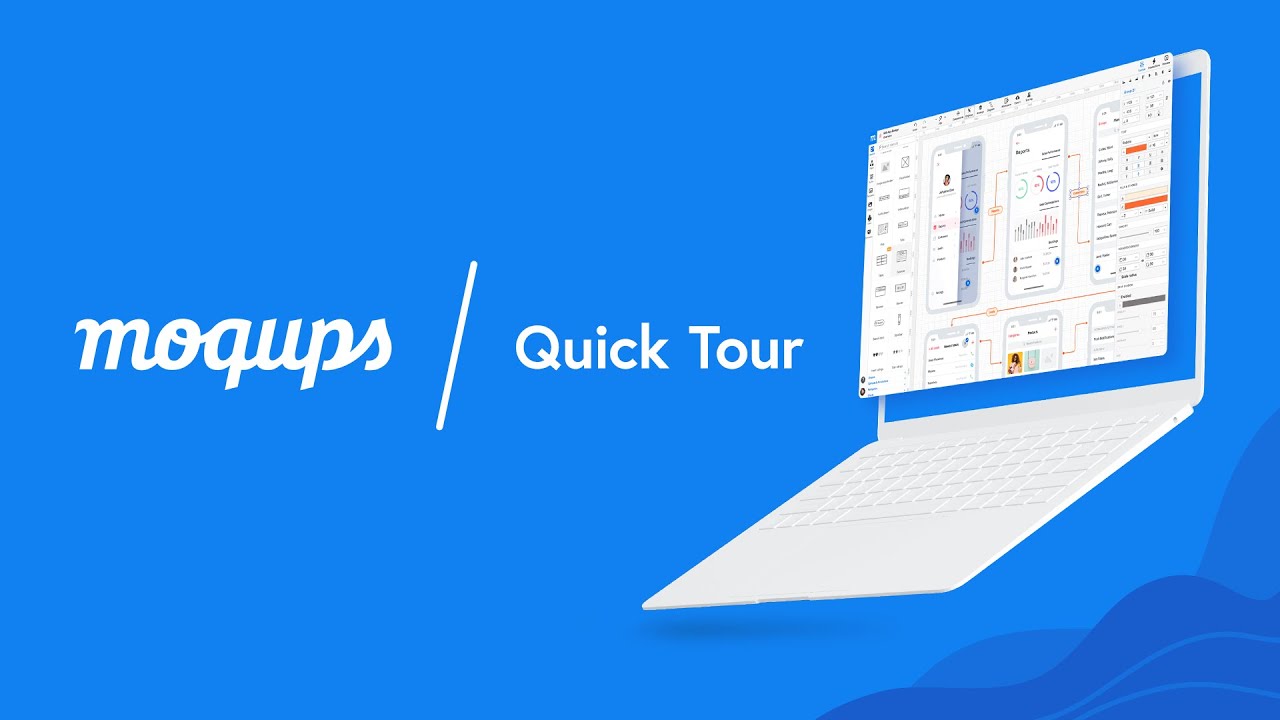
Moqups is a streamlined web app that lets you create wireframes, mockups, diagrams, and prototypes all in one place. It's designed to be intuitive, making it a great choice for beginners or teams who need to move quickly from a rough idea to a clear visual plan.
It's particularly strong in the early stages of design, helping you map out user flows and site structures. The platform’s all-in-one nature means you can maintain a consistent visual language from the very beginning of a project.
Moqups Key Features
Who's It For?
Beginners, product managers, and business analysts need a simple yet powerful tool for visualising concepts and building mockups for web and mobile apps.
Key Technical Criteria for Selecting the Best Mockup Tool
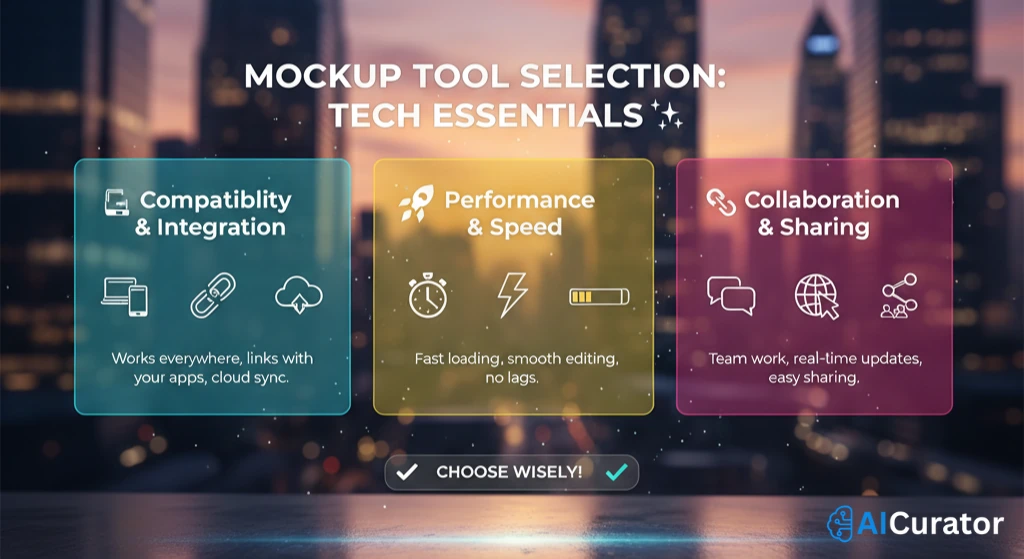
Selecting the appropriate mockup tool requires a technical evaluation of its capabilities against your project's specific requirements. A professional and methodical approach ensures the chosen tool will enhance, not hinder, your design and development workflow.

Recommended Readings:
Your Next Step
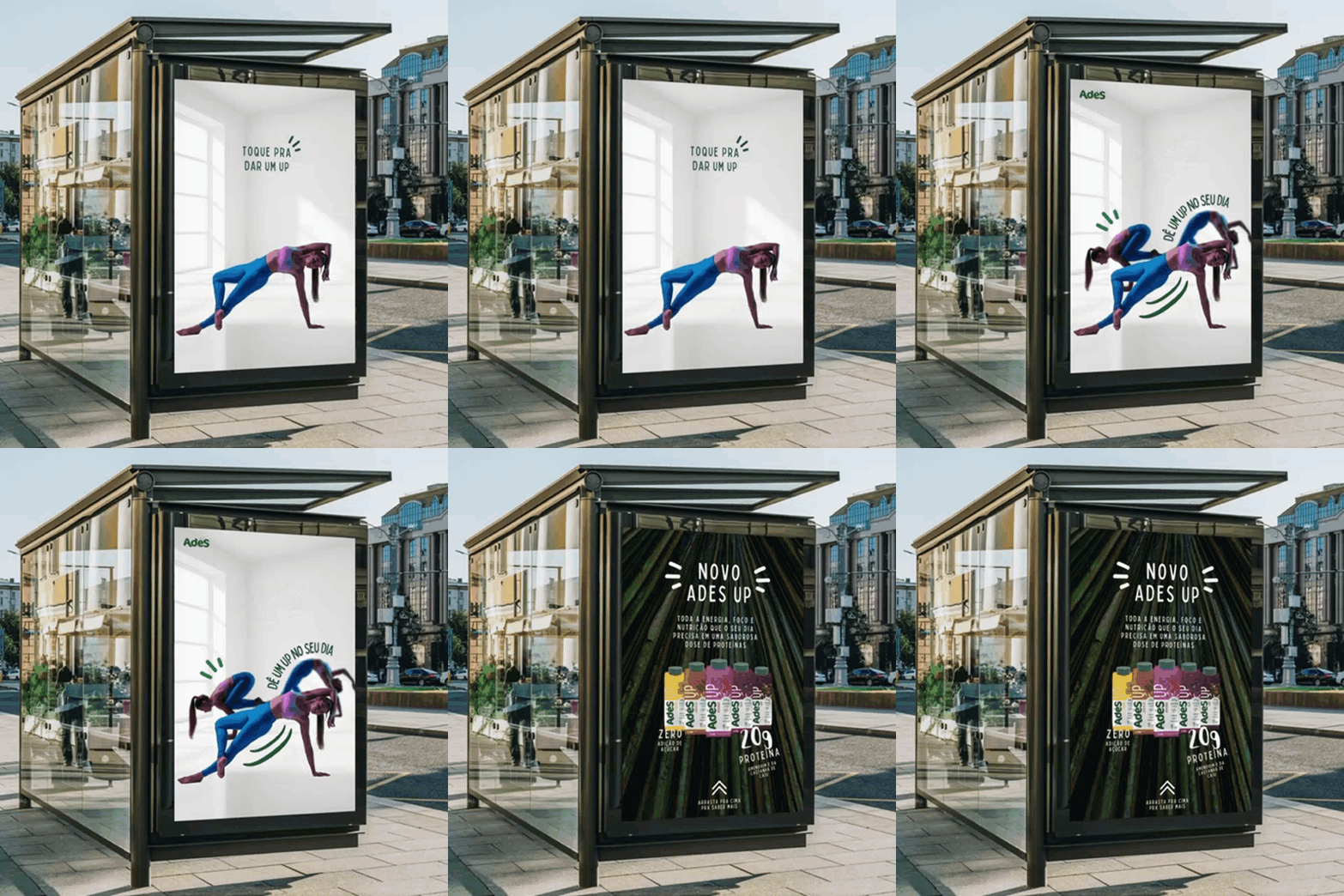
Choosing the right mockup tool is a critical step in streamlining your design process and bringing your creative visions to life.
From powerful, collaborative platforms for large teams to free, AI-driven generators for quick product visuals, there's a perfect fit for every workflow and budget. The key is to find the one that aligns with your specific goals
Don't be afraid to experiment! Try out a few free versions or demos to see which interface feels most intuitive. Taking the time to find your ideal mockup tool will pay off, helping you design better and faster.