






Unwanted background noise often ruins audio quality, whether in professional recordings or crucial online meetings. While many noise reduction tools exist, they frequently produce muffled, unnatural results, failing to properly separate voice from ambient sounds. This makes finding a truly reliable solution a challenge.
At AICurator.io, we’ve entered the world of AI-powered audio enhancement, testing dozens of applications to find the best.
This guide ranks the top AI noise reduction software based on noise suppression, voice clarity, and ease of use,helping you achieve pristine, professional-grade audio for any project.
Our Methodology: How We Tested AI Noise Reduction Software
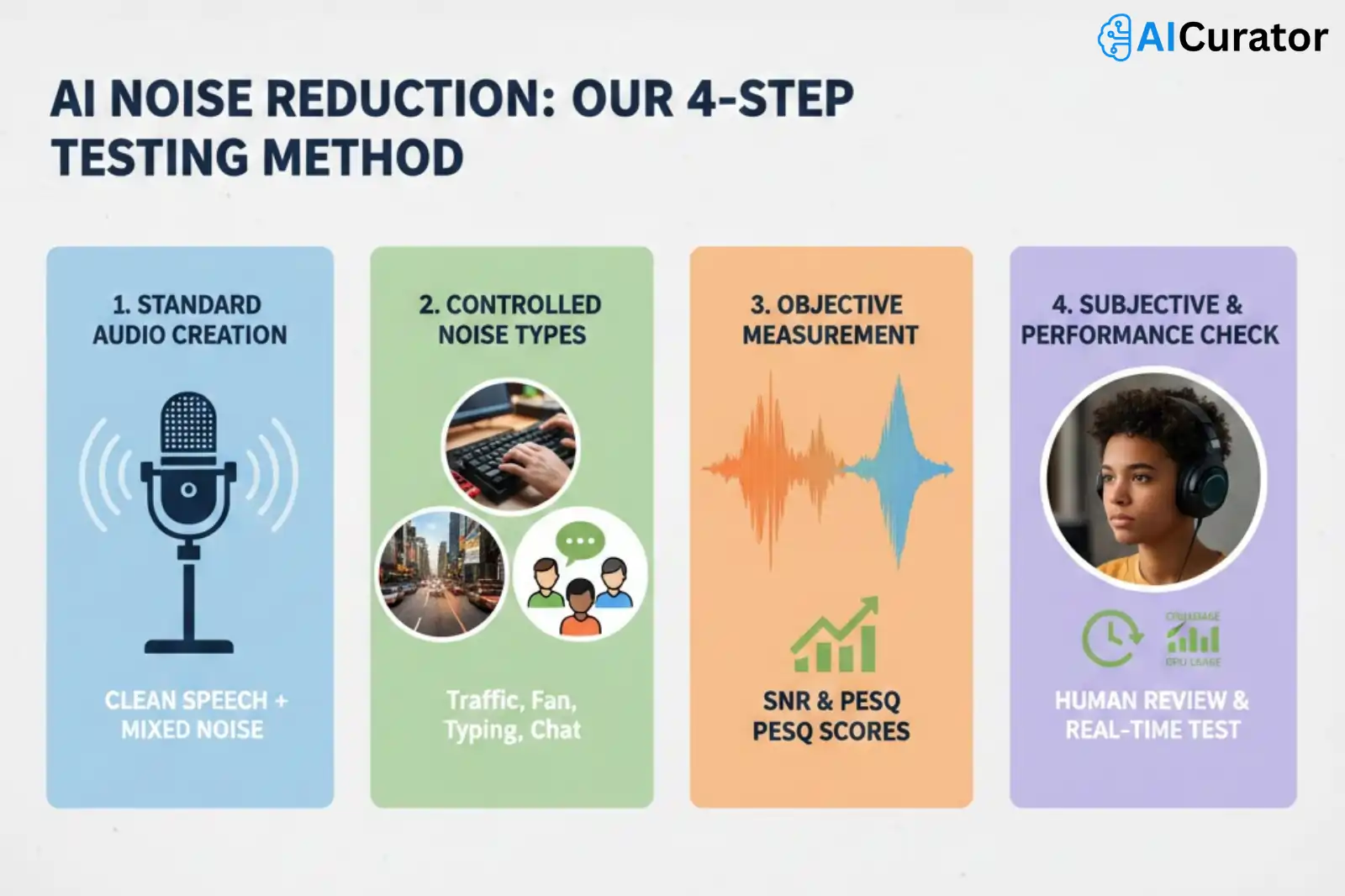
Our AI noise reduction software testing is a structured process designed to produce objective and repeatable results. We began by creating a standardized set of audio samples containing clean speech. These samples were then mixed with a variety of common background noises, including office chatter, street traffic, fan noise, and keyboard typing, at controlled decibel levels.
Each software was tasked with cleaning these noisy audio files. The evaluation was performed using both automated analysis and human oversight. We used objective metrics like Signal-to-Noise Ratio (SNR) and Perceptual Evaluation of Speech Quality (PESQ) to measure the degree of noise reduction and preservation of voice clarity.
This quantitative data was supplemented by subjective listening tests to assess for artifacts, distortion, or unnatural-sounding speech. We also tested real-time performance to measure latency and CPU usage during live processing.
Best AI Noise Reduction Software to Make Your Audio Professional
| Best AI Noise Reduction Software | Core AI Function | Best Application |
|---|---|---|
| Krisp | Real-time cancellation | Live meetings |
| Cleanvoice | Post-production cleanup | Podcast editing |
| Adobe Audition | Spectral editing | Professional post-production |
| Audacity | Plugin-based effects | Free general editing |
| Adobe Podcast | Web-based enhancement | Quick voiceovers |
| Audo Studio | One-click cleaning | Fast audio fixes |
1. Krisp
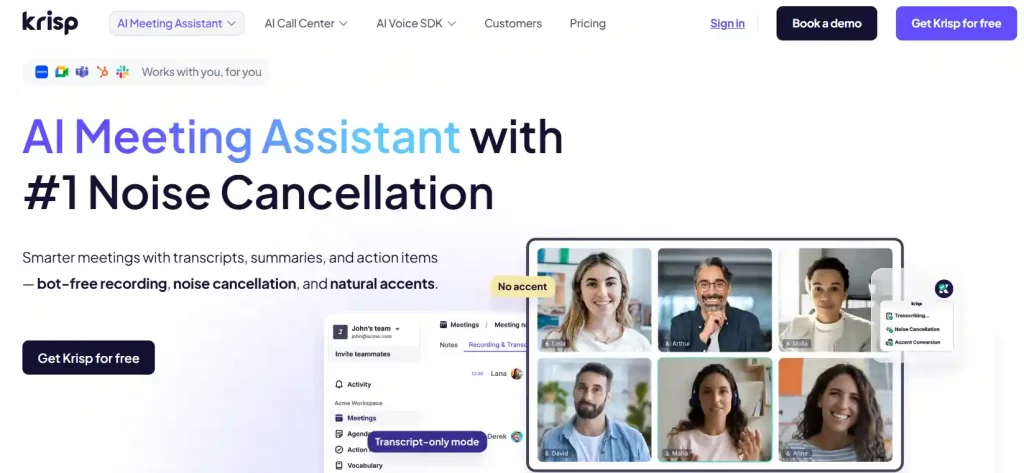
Krisp ensures pristine audio quality across all your digital communications by using advanced AI to eliminate background noise and echo in real time. This noise cancellation software works with any application, guaranteeing that your voice is the only thing listeners hear, free from distractions.
Beyond simple audio cleanup, Krisp functions as a comprehensive AI meeting assistant. It automates transcription, generates summaries, and identifies action items from your calls. This allows you to concentrate fully on the discussion, enhancing focus and productivity during virtual meetings.
Krisp Key Features:
Why Choose Krisp?
Choose Krisp for its industry-leading noise cancellation combined with a powerful AI meeting assistant to boost productivity in every call.
2. Cleanvoice
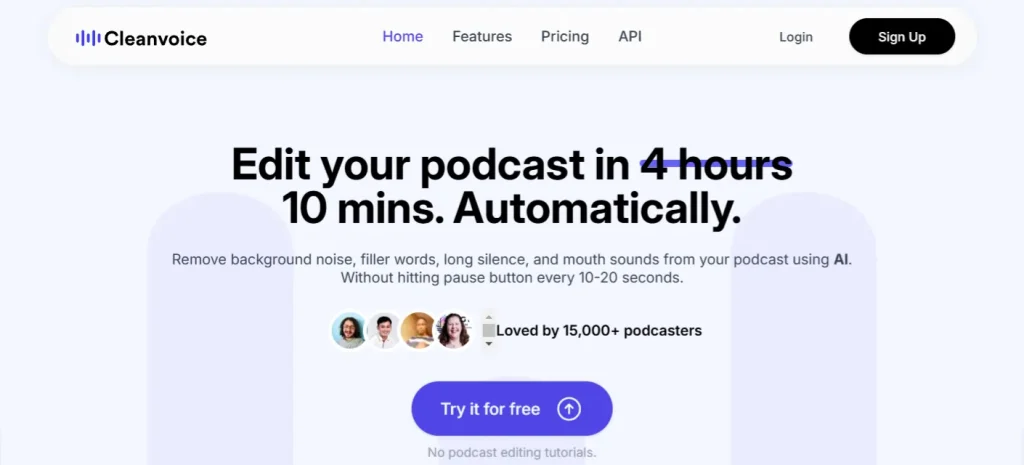
Cleanvoice is an AI-powered audio editor designed to automate the post-production process for podcasters and content creators. It intelligently removes background noise, filler words like “ums” and “ahs,” mouth sounds, and long silences from recordings. This allows creators to produce studio-quality audio without spending hours on manual editing tasks.
The platform is designed for efficiency, enabling users to clean up their audio and video files with just a few clicks. In addition to audio cleanup, Cleanvoice can generate transcriptions and summaries, further simplifying the content creation workflow.
Cleanvoice Key Features:
Why Choose Cleanvoice?
Choose Cleanvoice to save significant time on podcast editing by letting its AI automatically clean up your audio tracks.
3. Adobe Audition
Adobe Audition is a professional digital audio workstation (DAW) offering a comprehensive suite of tools for audio cleanup, restoration, and precision editing. It is designed to accelerate video production and audio finishing workflows, delivering a polished mix with pristine sound for video, podcasting, and sound effect design.
The software provides a robust toolkit, including multitrack, waveform, and spectral displays for creating, mixing, and restoring audio content. It integrates seamlessly with other Adobe Creative Cloud apps like Premiere Pro, allowing for an efficient and powerful post-production environment.
Adobe Audition Key Features:
Why Choose Adobe Audition?
Choose Adobe Audition for its industry-standard, comprehensive toolset that provides unmatched control over audio editing and restoration for professional productions.
4. Audacity
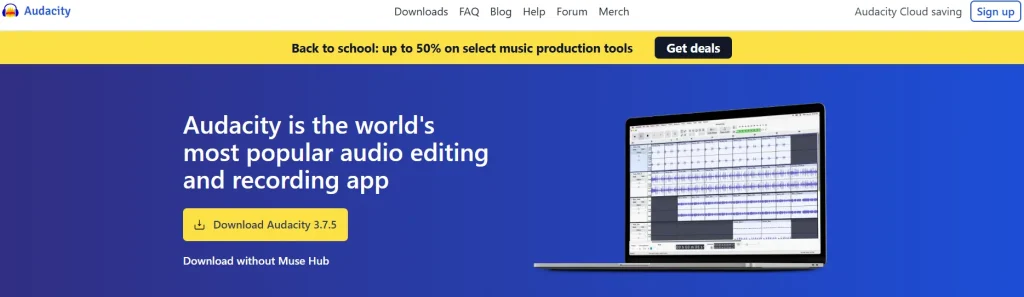
Audacity is the world's most popular free and open-source audio editor, providing a versatile platform for recording and editing sound. It offers a robust set of features for multitrack audio editing, making it an excellent choice for podcasting, music production, and general audio work. Its cross-platform compatibility ensures it runs on Windows, macOS, and Linux operating systems.
As an open-source project, Audacity benefits from a large community of users and developers who contribute to its ongoing improvement and create a wide array of third-party plugins. It supports all major audio formats and includes tools for in-depth audio analysis, such as spectrogram views.
Audacity Key Features:
Why Choose Audacity?
Choose Audacity for its powerful, user-friendly, and completely free audio editing capabilities, supported by a large and active community.
5. Adobe Podcast
Adobe Podcast is a web-based suite of AI-powered tools designed to make audio recording and editing accessible to everyone. Its flagship feature, Enhance Speech, automatically removes background noise and echo, making voice recordings sound as if they were created in a professional studio. The platform operates entirely in the browser, requiring no software downloads.
The service simplifies post-production with an innovative text-based audio editor. After automatically transcribing your recording, you can edit the audio simply by cutting, copying, and pasting the text. This, combined with remote guest recording and a royalty-free music library, provides a complete solution for creating high-quality podcasts and voiceovers.
Adobe Podcast Key Features:
Why Choose Adobe Podcast?
Choose Adobe Podcast for its simple, browser-based AI tools that make achieving professional audio quality effortless for any content creator.
6. Audo Studio
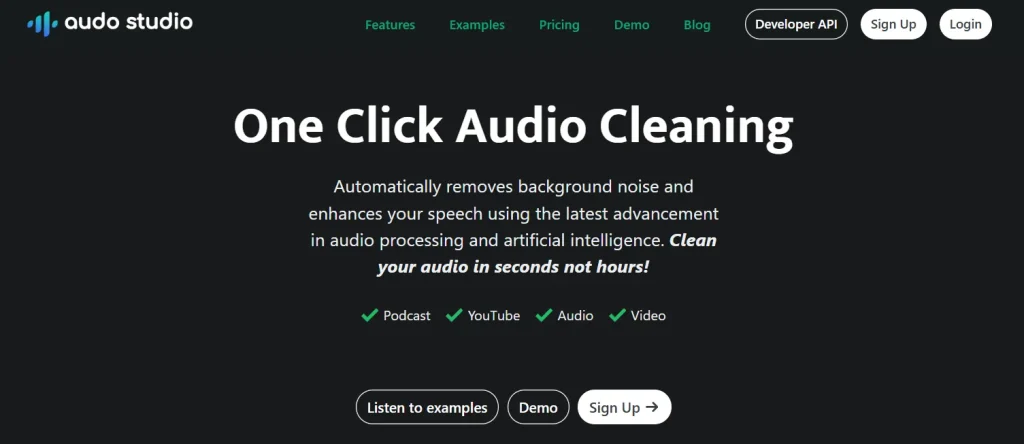
Audo Studio provides one-click audio cleaning powered by artificial intelligence, designed for creators who need fast, high-quality results. This browser-based tool automatically removes background noise and enhances speech, allowing you to produce professional-sounding audio without complex software. It is built for efficiency, cleaning audio in seconds, not hours.
The platform is designed to be incredibly user-friendly. With a single button, you can eliminate disruptive sounds, reduce room echo, and automatically adjust volume levels for a balanced and pleasant listening experience. Audo Studio ensures you can record anywhere without worrying about finding a perfectly quiet space.
Audo Studio Key Features:
Why Choose Audo Studio?
Choose Audo Studio for its simplicity and speed, offering powerful AI audio enhancement that cleans and improves your recordings with a single click.
Core Features to Evaluate in AI Noise Reduction Software
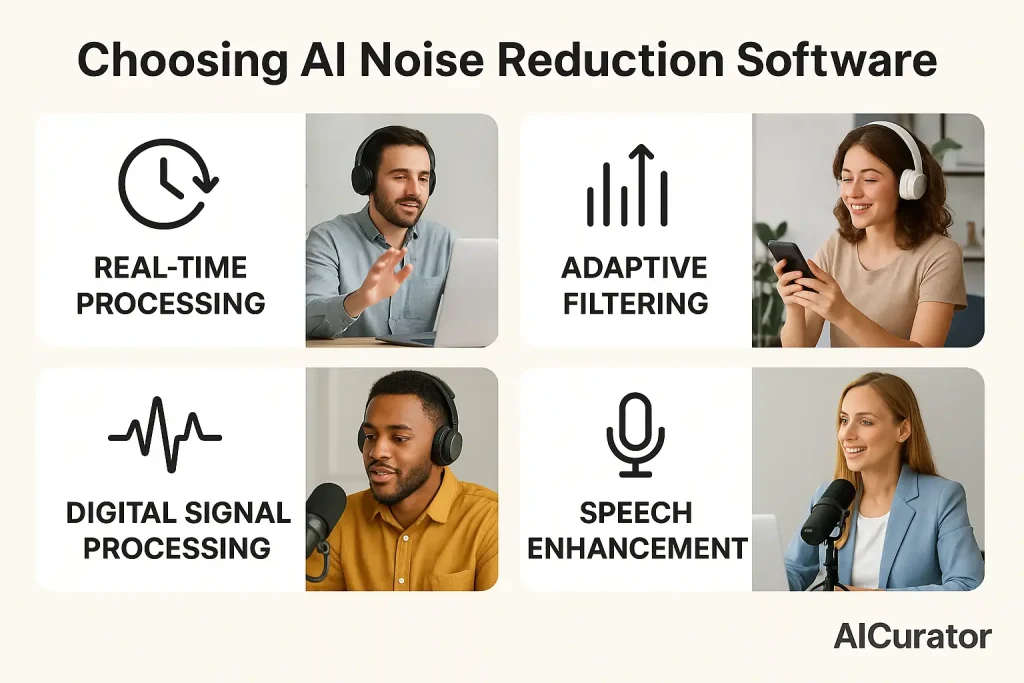
When evaluating AI noise reduction software, several core features determine its effectiveness and suitability for different applications.
Elevate Your Audio
Achieving clear audio is essential for professional communication and content creation. AI noise reduction software provides a powerful solution, automatically removing distracting background noise and enhancing voice clarity.
This ensures your recordings and live calls sound polished and professional, regardless of your environment. From producing podcasts to leading critical online meetings, these tools help your message land with impact. Use this guide to choose the best software to elevate your audio.

Recommended Readings: