






Drowning in hundreds of pages and zero time to read?
AI PDF summarizers turn dense research papers, reports, and ebooks into bite-sized summaries in seconds. These document summarizer tools extract key insights, generate bullet-point notes, and even let you chat with your PDFs for instant answers.
Ready to find which AI-powered tool fits your needs? Let's break down the top contenders to identify the ones that truly deliver on their promises.
How AI PDF Summarizers Use NLP and Machine Learning Technology?
AI PDF summarizers use a combination of Natural Language Processing (NLP) and machine learning to analyze and condense long documents.
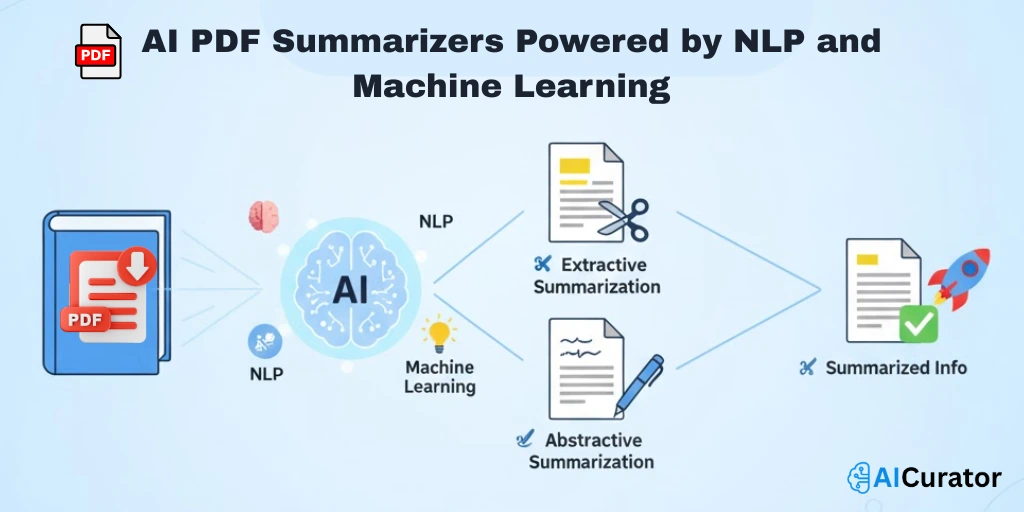
NLP, a field of artificial intelligence, allows the software to understand human language by parsing text, identifying key concepts, and recognizing the relationships between words and sentences.
Machine learning algorithms then process this information to identify patterns and extract the most relevant data for the summary.
These tools typically employ one of two main summarization methods:
AI PDF Summarizers That Save Time and Improve Efficiency
| AI PDF Summarizers 📝 | Primary Focus 🎯 | Ideal User Group 👥 |
|---|---|---|
| ChatPDF | Interactive Chat | Students & Researchers |
| AskYourPDF | Multi-Doc Analysis | Professionals |
| Paperguide | Academic Research | Scientists & Academics |
| SwifDoo PDF | All-in-One Editor | Business Users |
| QuillBot | Text Condensing | Writers & Students |
| Jotform | Quick Insights | Marketing & Finance |
| Scholarcy | In-Depth Analysis | Researchers & Academics |
1. ChatPDF
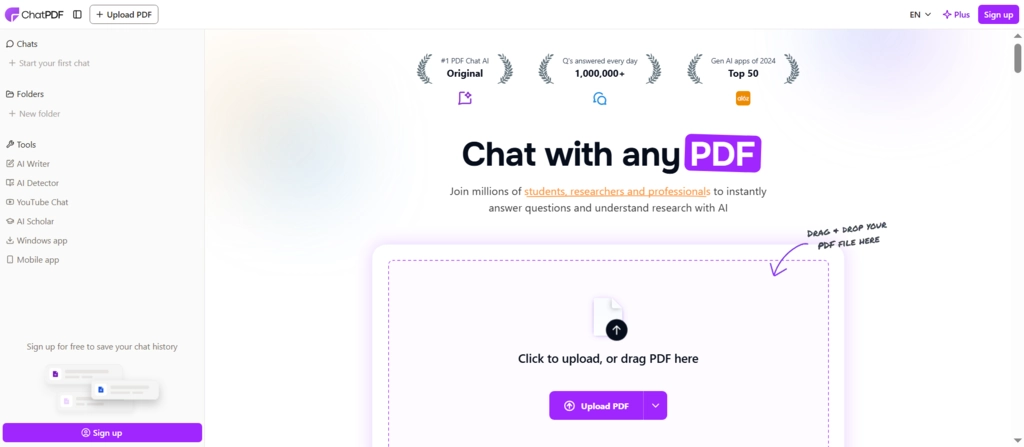
Transform your static documents into dynamic conversations with ChatPDF. This AI PDF summarizer allows you to ‘talk' to your reports, textbooks, and contracts. Simply upload a file and start asking questions to get instant answers and concise summaries, complete with page references for quick verification.
It’s an ideal tool for students and professionals looking to extract key information without the hassle of manual skimming. Navigate dense material with ease and improve your workflow efficiency. The platform supports multiple languages, making it a versatile assistant for global users.
ChatPDF Key Features
Why Choose ChatPDF?
Choose ChatPDF for its simple, chat-based interface that feels like having a conversation with your research papers and documents.
2. AskYourPDF
AskYourPDF is a powerful AI chat app designed to streamline how you interact with your documents. It's more than a simple PDF summarizer; it's a comprehensive platform for managing and understanding complex information. Upload multiple files and start a conversation to receive instant answers and extract valuable insights across your entire library.
This tool is perfect for academics and professionals who need to synthesize information from various sources. With integrations like a Chrome extension and Zotero plugin, it fits seamlessly into your existing research and productivity workflow, ensuring your data is secure and accessible everywhere.
AskYourPDF Key Features
Why Choose AskYourPDF?
Choose AskYourPDF to unify your document workflow by chatting with and managing multiple files in one organised, secure place.
3. Paperguide
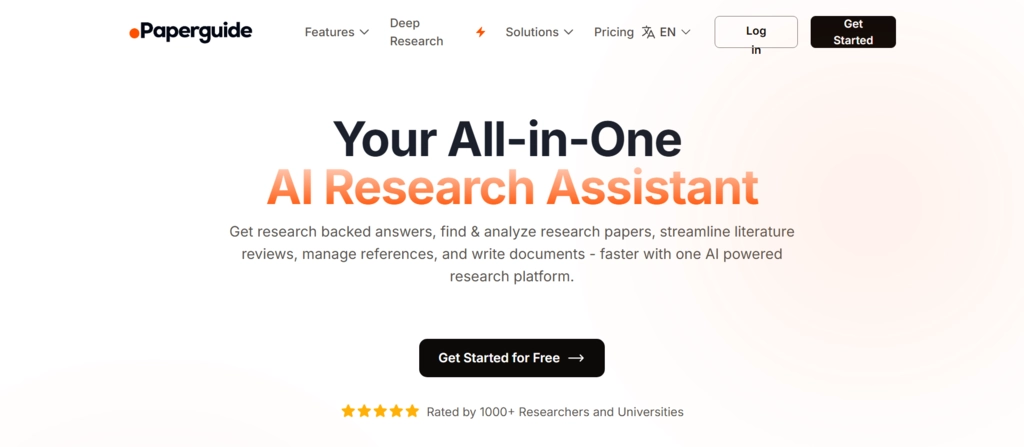
Go beyond basic summarization with Paperguide, your dedicated AI research assistant. This platform is built for deep academic work, enabling you to search and analyze millions of research papers, not just a single PDF. It understands complex queries, extracts key data, and compares findings from multiple sources to deliver structured reports.
For researchers and students, Paperguide transforms literature reviews from a weeks-long task into a process of minutes. Generate article drafts with proper citations, manage references from Zotero, and verify every piece of information with direct links to the source text, all within one powerful ecosystem.
Paperguide Key Features
Why Choose Paperguide?
Choose Paperguide for its ability to conduct large-scale literature analysis, turning millions of papers into actionable, cited insights.
4. SwifDoo PDF
SwifDoo PDF is the ultimate all-in-one document solution powered by AI. It doesn't just summarize your files; it gives you a complete toolkit to create, edit, convert, and manage your PDFs. The integrated AI tool can analyze and condense lengthy documents, extracting key points structurally in seconds.
Whether you're a business professional needing to edit a contract or a student converting files, SwifDoo PDF has you covered. It supports OCR for scanned documents and even allows for instant translation of text within your PDF, making it an incredibly versatile tool for any document-related task on any device.
SwifDoo PDF Key Features
Why Choose SwifDoo PDF?
Choose SwifDoo PDF for its complete feature set that combines AI summarization with robust editing and conversion tools.
5. QuillBot
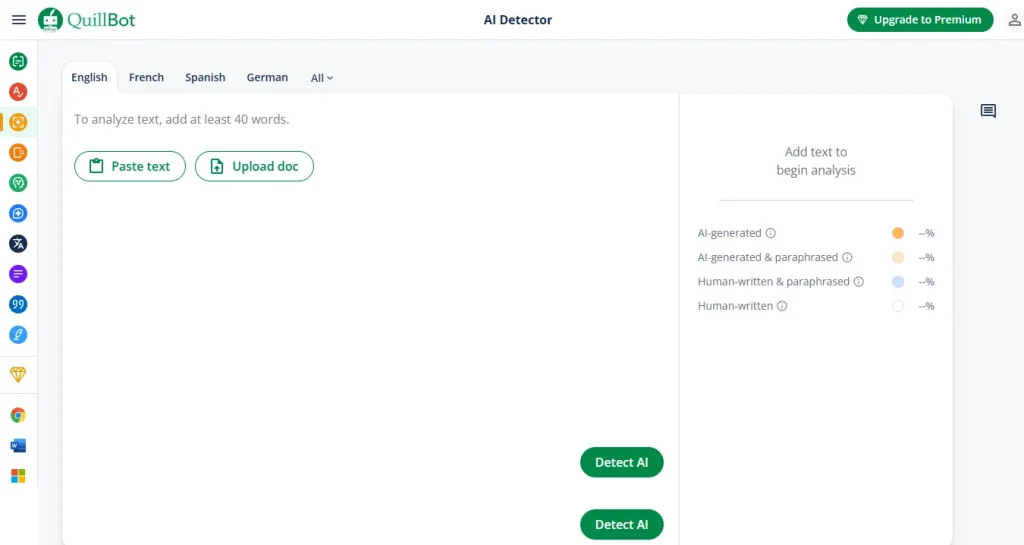
QuillBot's Summarizer is a smart and efficient tool designed to help you digest dense content in an instant. As a key part of QuillBot's writing platform, this AI text summarizer excels at condensing articles, reports, and research papers into the most crucial points. You can easily adjust the summary length to fit your needs.
Perfect for students and writers, it allows you to choose between concise bullet points or a coherent paragraph summary. This tool boosts productivity by turning long-form text into digestible insights, helping you save time on research and focus on crafting high-quality work with clarity and confidence.
QuillBot Key Features
Why Choose QuillBot?
Choose QuillBot Summarizer to quickly capture key points while integrating with a full suite of AI writing and research tools.
6. Jotform AI PDF Summarizer
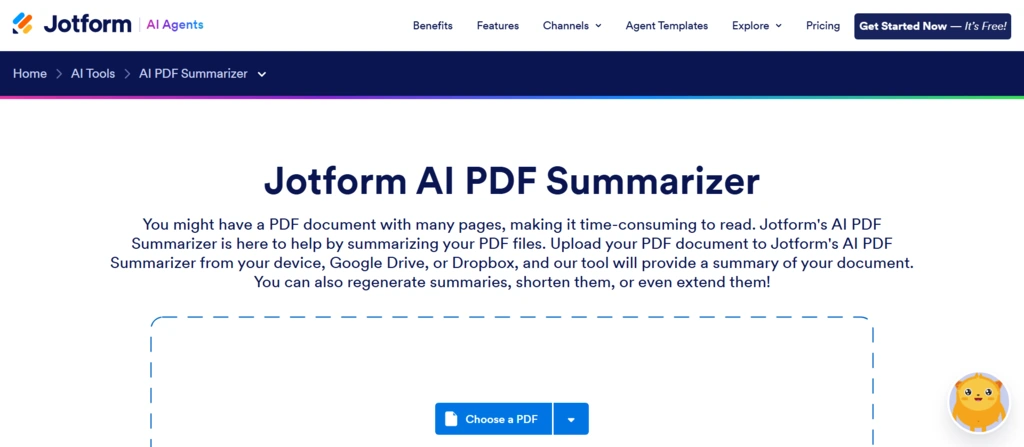
Streamline your document workflow with Jotform’s AI PDF Summarizer. This tool is seamlessly integrated into the powerful Jotform ecosystem, allowing you to instantly generate concise summaries of reports, surveys, and research papers. Upload files directly from your device, Google Drive, or Dropbox to get started.
Designed for business efficiency, this PDF summarizer helps marketing, finance, and academic teams make faster decisions by extracting actionable insights from data-heavy documents. You can regenerate, shorten, or extend summaries to fit your exact needs, turning lengthy files into useful highlights in seconds.
Jotform AI PDF Summarizer Key Features
Why Choose Jotform AI PDF Summarizer?
Choose Jotform's AI PDF Summarizer to connect document analysis directly with your data collection and business process automation workflows.
7. Scholarcy
Revolutionize your research process with Scholarcy, an AI tool that transforms complex texts into interactive summary flashcards. It goes beyond simple summarization by breaking down articles, reports, and book chapters into a structured, easy-to-digest format. It highlights key findings, concepts, and contributions automatically.
Ideal for students and academic researchers, Scholarcy helps you critically evaluate texts more easily. It extracts all references, figures, and tables into your personal library, ensuring you never lose track of important details. You can even import your Zotero library and export summaries to your favourite apps.
Scholarcy Key Features
Why Choose Scholarcy?
Choose Scholarcy for its unique flashcard approach that turns reading into an interactive and organized research experience for academics.
How AI PDF Summarizers Handle Scanned PDFs Using OCR Technology?
AI PDF summarizers handle scanned or image-based PDFs by first using Optical Character Recognition (OCR) technology. A scanned PDF is essentially an image file, meaning the text within it is not machine-readable and cannot be directly analyzed by summarization algorithms. OCR technology solves this by converting the image of text into actual, editable text that the AI can process.
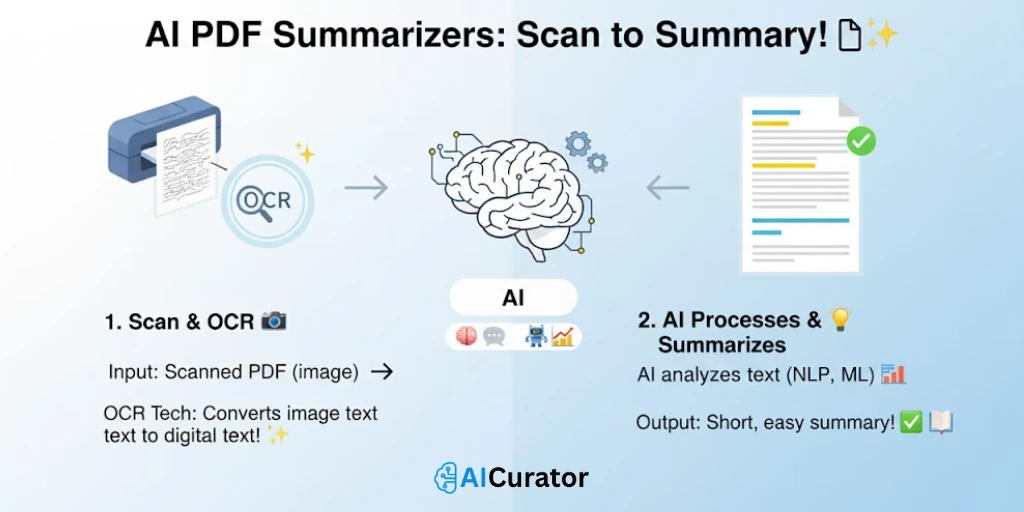
Once the OCR process extracts the text from the scanned document, the AI summarizer's Natural Language Processing (NLP) and machine learning models can begin their work.
The AI then analyzes this newly converted text to identify key points, understand the context, and generate a concise summary, just as it would with a standard, text-based PDF file. This initial OCR step is crucial for making non-selectable text accessible to summarization tools.
Boost Your Productivity with the Right AI PDF Summarizer

AI PDF summarizers offer a powerful solution for professionals, students, and researchers facing information overload.
By instantly distilling lengthy documents into concise summaries, these tools boost efficiency and improve comprehension.
They extract key insights, answer questions, and even handle complex formats, allowing you to focus on what matters most. To find the right fit for your workflow, consider trying a few options to see which one best enhances your productivity.

Recommended Readings: