







CapCut delivers quick edits and viral effects—but many creators are ready for something more.
Maybe you're chasing advanced color grading, smoother team workflows, or simply want clearer control over your exported files. Or perhaps you've noticed those lengthy terms of service and wondered what you're really signing up for.
This guide explores CapCut alternatives built for creators who need AI-powered tools, professional templates, auto-captions, and flexible editing—without second-guessing where their content ends up.
Understanding Limitations in CapCut and the Growing Need for Alternatives
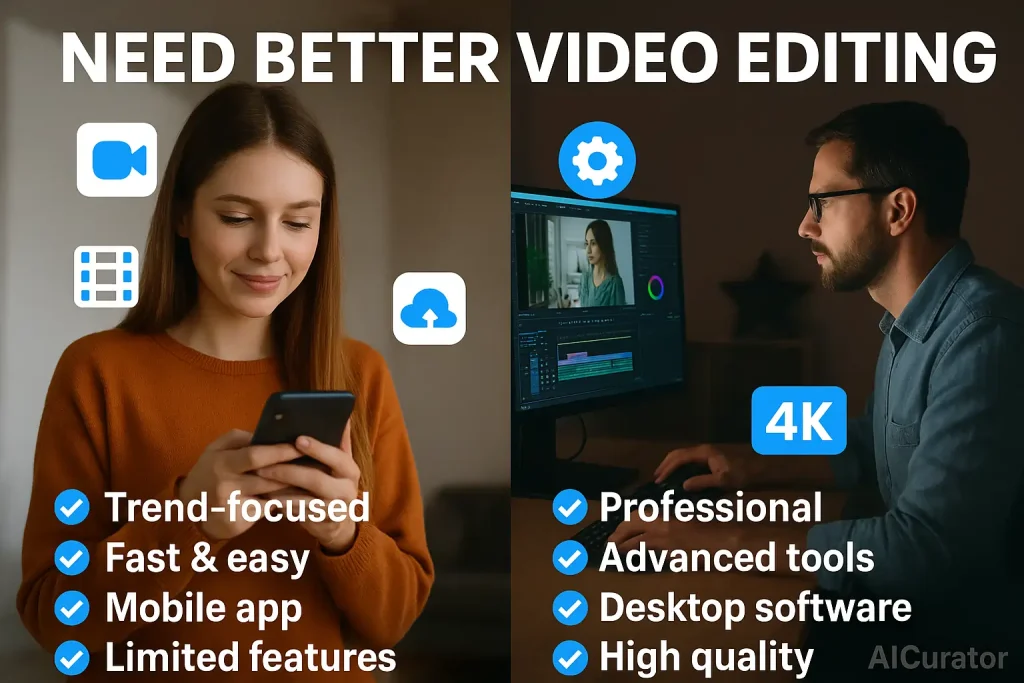
The growing need for CapCut alternatives stems from key limitations that surface in demanding video production workflows. While excellent for quick social media content, its feature set becomes restrictive for professional use. The desktop version lacks the robustness of its mobile counterpart, limiting complex editing projects.
Technical constraints include capped export quality below 4K standards, restricted cloud storage for high-resolution footage, and basic audio editing tools. Advanced color grading capabilities fall short of dedicated professional software, restricting fine-tuned creative control.
These factors, combined with potential privacy concerns, drive creators and businesses toward more powerful solutions that handle professional production demands without compromise.
Find the Best CapCut Alternatives for Editing Videos
| Alternatives to Capcut | Platform Type 📱 | Pricing Model 💰 |
|---|---|---|
| Kling AI | Web-Based 🌐 | Custom Pricing 💎 |
| HeyGen | Cloud Platform ☁️ | Freemium Model 🆓 |
| ToMoviee AI | Desktop/Web 🖥️ | Subscription Based 📅 |
| InVideo AI | Browser Tool 🌐 | Free + Paid 💳 |
| Camtasia | Desktop Software 💻 | One-time Purchase 🛒 |
| VEED.IO | Online Editor 🌐 | Tiered Plans 📊 |
1. Kling AI
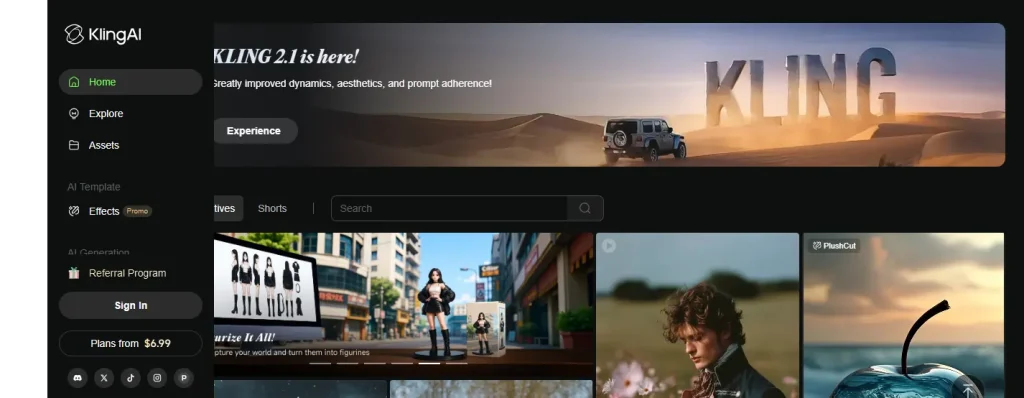
Kling AI crushes traditional video editing by turning text into jaw-dropping, photorealistic videos that look like they cost thousands to produce. This text-to-video powerhouse gives filmmakers, artists, and marketers the creative firepower to generate cinema-quality content without burning through budgets or waiting weeks for production.
The Motion Brush feature lets you animate specific elements with surgical precision, while its seamless frame transitions create that smooth, professional flow you'd expect from high-end studios. Kling AI puts Hollywood-grade video creation in your hands, making it one of the most ambitious CapCut alternatives for creators who refuse to compromise on visual quality.
Kling AI Pros and Cons
Pros
Cons
Example Use Cases
Final Verdict:
An exceptional tool for creating professional-grade AI video, pushing the boundaries of what's possible in digital storytelling.
2. HeyGen

HeyGen is a robust CapCut alternative that leverages AI to generate professional videos from text, images, or audio clips. It is designed for marketers, educators, and businesses seeking to create high-quality, scalable video content without the need for cameras or complex editing software. With
The platform excels at creating lifelike AI avatars with natural expressions and perfectly synchronized lip movements. Its powerful features, including AI-driven video translation into over 175 languages, allow you to localize content and reach a global audience effortlessly.
HeyGen Pros and Cons
Pros
Cons
Example Use Cases
Final Verdict:
An excellent choice for businesses looking to automate and scale their video content creation with impressive AI-powered features.
3. Wondershare
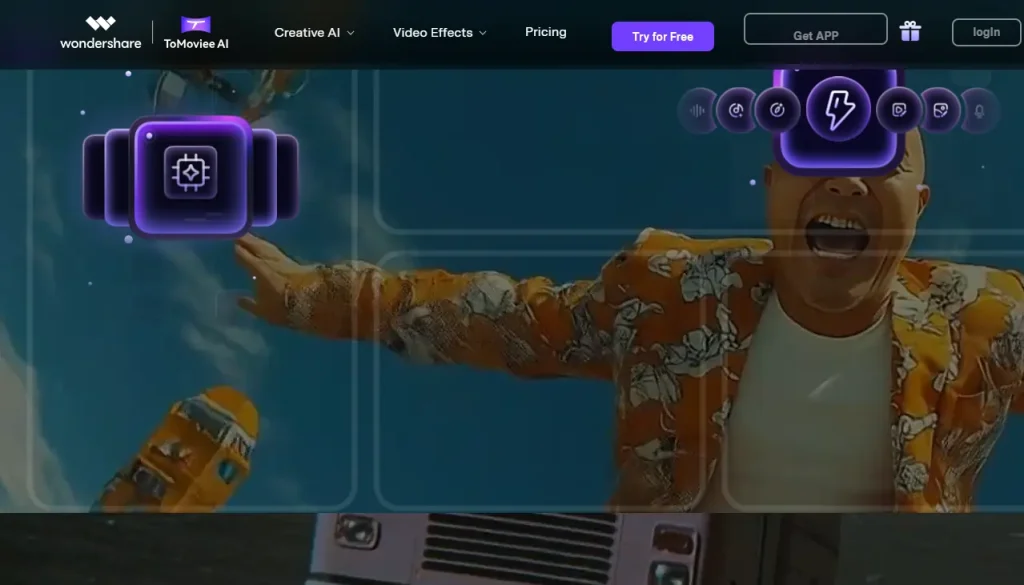
Wondershare's ToMoviee AI slashes your creative workflow by jamming video, image, and audio creation into one frighteningly smart platform. Built for creators who'd rather make content than wrestle with complicated software, this tool delivers professional results without demanding a film school degree.
What sets it apart? Cinematic camera movements and lifelike visuals that rival expensive production setups, all controlled with precision that puts you in the director's chair. For creators hunting CapCut alternatives that actually simplify the chaos, ToMoviee AI hits different.
Wondershare Pros and Cons
Pros
Cons
Example Use Cases
Final Verdict:
A powerful, integrated AI creative suite that simplifies the production of high-quality, professional-looking video and audio content.
4. InVideo AI
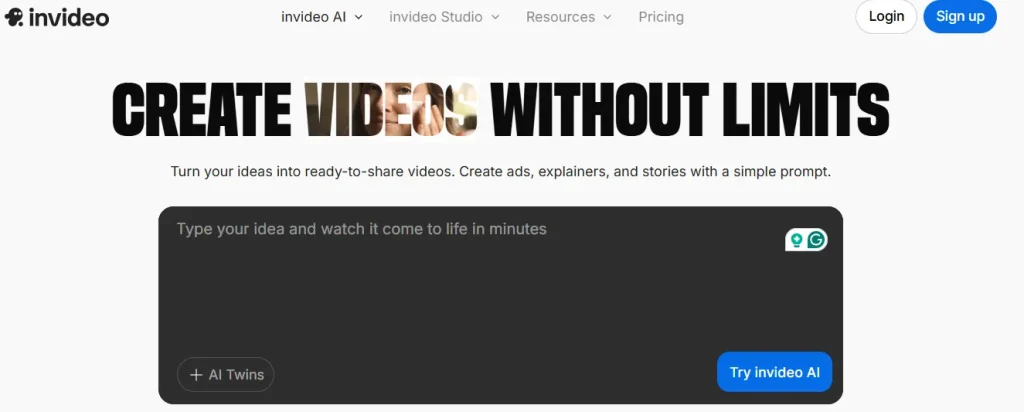
InVideo AI throws traditional editing out the window—just type what you want, and watch complete videos materialize in minutes. This beast of a platform turns marketers, content creators, and businesses into video production machines, pumping out ads, explainers, and social stories at breakneck speed.
Forget timeline scrubbing and effect hunting. Describe your vision in plain English, and InVideo AI handles the heavy lifting, delivering share-ready content while you move on to your next project.
InVideo AI Pros and Cons
Pros
Cons
Example Use Cases
Final Verdict:
A revolutionary tool for creating videos directly from your ideas, eliminating the need for traditional editing skills and effort.
5. Camtasia
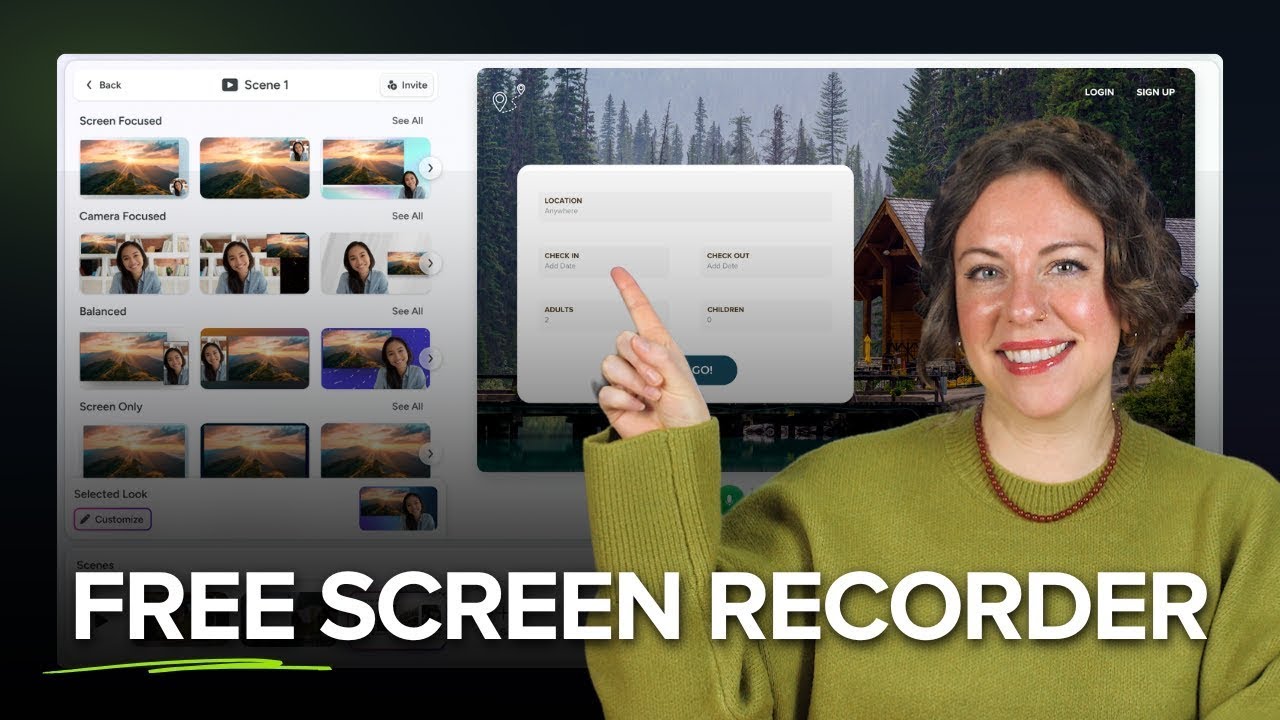
Camtasia dominates the screen recording and editing space, purpose-built for professionals who create training videos, tutorials, and software demos that actually teach something. This isn't your casual editing app—it's the serious tool for serious content.
The multitrack editor separates your screen, camera, and microphone into individual tracks, giving you surgical control over every element in post-production. Add professional zooms, annotations, and effects without the learning curve that makes other tools painful. Camtasia earns its spot among top-tier CapCut alternatives by making complex edits feel simple.
Camtasia Pros and Cons
Pros
Cons
Example Use Cases
Final Verdict:
The industry standard for creating professional-quality screen recordings and educational videos, enhanced with smart, time-saving AI features.
6. VEED.io
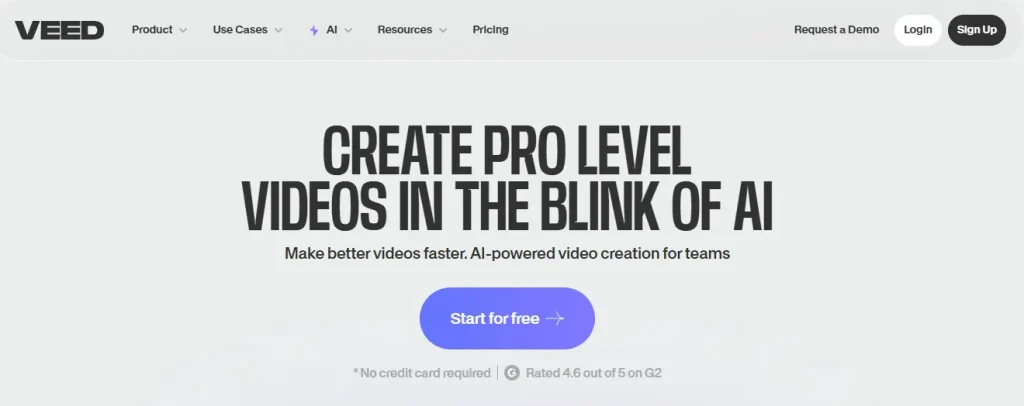
VEED.io runs entirely in your browser yet packs more punch than bloated desktop software, combining pro-level editing with AI tools that feel like cheating. Magic Cut automatically cleans your footage, while AI Avatars turn text into talking-head videos without touching a camera.
One-click auto-subtitles, instant filler word removal, and eye contact correction transform rough recordings into polished presentations. Throw in real-time collaboration and a massive stock library, and you've got a platform that replaces half your production stack. VEED.io proves browser-based CapCut alternatives can outperform traditional software without breaking a sweat.
VEED.io Pros and Cons
Pros
Cons
Example Use Cases
Final Verdict:
An incredibly versatile platform that uses AI to make professional video editing accessible to everyone, from individuals to large teams.
Comprehensive Features to Expect in Top CapCut Alternatives
When exploring top CapCut alternatives, users can expect a suite of comprehensive features designed for advanced and professional video editing.

A primary advantage is the availability of multi-platform solutions that offer a consistent and powerful feature set across both desktop and mobile devices, ensuring a seamless workflow regardless of the editing environment.
Key technical features to look for include:
Start Creating Professional Videos Now
Your videos deserve better than constant workarounds and export quality compromises. These CapCut alternatives aren't just different—they're built for creators who've outgrown basic editors and need tools that actually keep up with their ambitions.
Pick one that matches your content style, test it out, and watch how much faster you work when the software stops fighting you. The platform that clicks for you might surprise you—maybe it's AI avatars, maybe it's multitrack power, or maybe it's just dead-simple browser editing that finally makes sense.
Your next video could be your best one yet. Time to make it happen.

Recommended Readings: