




Trying to fix a blurry or shaky video can be frustrating. Many video enhancers promise amazing results, but often deliver footage that's still pixelated or has an interface that feels like rocket science. You could waste time and money on apps that barely improve your clips.
At Aicurator.io, we’ve tested more than 30 video enhancer tools to separate the ones that actually work from those that don’t. We ranked them on key functions like upscaling, colour correction, noise reduction, and ease of use to help you find the best tool without the guesswork.
Why Video Enhancers Are the Secret to Viral Quality
A video enhancer tool is your shortcut to professional quality, using advanced AI to instantly upgrade blurry, grainy, or low-res clips. By analyzing every frame, the software automatically corrects noise, stabilizes motion, and sharpens details that standard editors can't touch.

High-quality visuals aren't just a luxury; they are essential for keeping viewers engaged and building trust.
From content creators fixing shaky handheld shots to archivists upscaling old tapes, this software bridges the gap between amateur and pro. It eliminates the frustration of technical flaws, ensuring your final export looks clean, sharp, and ready for any screen.
Video Enhancer Tools That Make Your Footage Look Stunning
| Video Enhancer Tools🎯 | Best Feature 💡 | Ideal For 👥 |
|---|---|---|
| Screen Studio | Auto Enhancement | Mac Tutorials |
| Kling AI | Text-to-Video | Creative Content |
| InVideo AI | AI Script Generation | Quick Marketing |
| FlexClip | Drag-Drop Editing | Social Media |
| Veed.io | Audio Cleaning | YouTube Videos |
| Topaz Video AI | 8K Upscaling | Professional Work |
| Gling AI | Auto Trimming | Talking Heads |
| Filmora | One-Click Fix | Beginner Editing |
1. Screen Studio
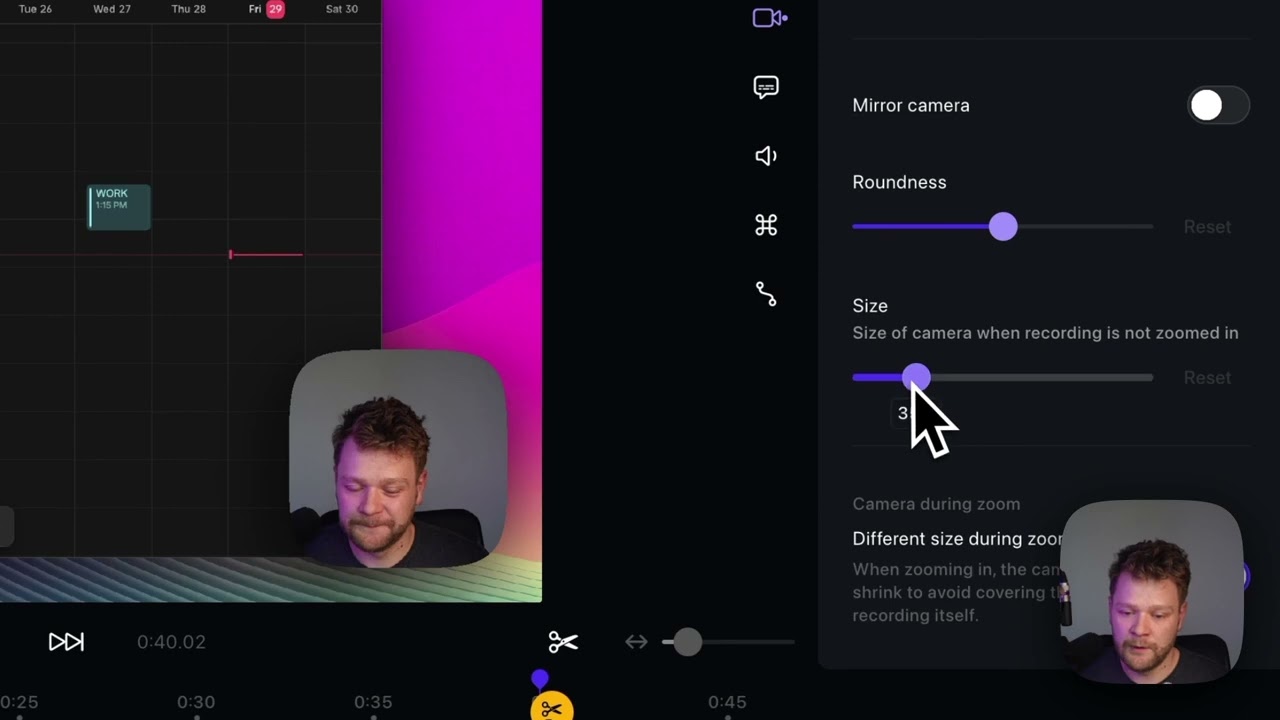
Screen Studio is a game-changer for macOS users who create screen recordings. This isn't just a recorder; it's an automatic video enhancer that transforms standard screen captures into polished, professional tutorials. It intelligently adds smooth zooming on clicks, cleans up cursor movements, and even adds a stylish background, making your demos look stunning with zero extra effort.
This tool eliminates the tedious parts of editing screen recordings. Your final video looks like it was painstakingly edited by a pro, making it perfect for educators, marketers, and developers who need to create high-quality software tutorials or product demos without the hassle.
Screen Studio Pros
Screen Studio Cons
👉 Best for: Mac users creating slick, professional software tutorials and product demos.
Free Trial: No free trial, one-time purchase.
Final Verdict
For flawless screen recordings on Mac, Screen Studio is an unbeatable tool that automates the path to a professional finish.
2. Kling AI
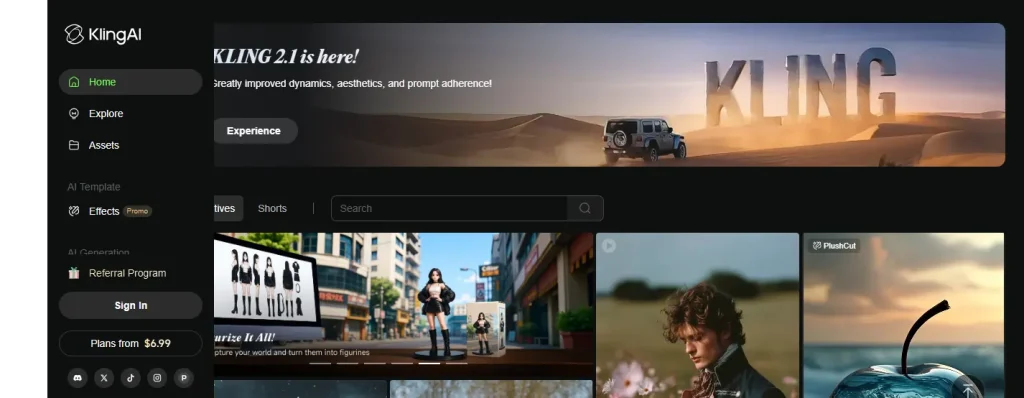
Step into the future of video creation with Kling AI, a groundbreaking text-to-video generator. This tool empowers you to produce high-fidelity, cinematic-quality videos up to two minutes long, simply by typing a prompt. It uses an advanced 3D VAE system to ensure generated movements and scenes are not only imaginative but also adhere to the laws of physics, creating unbelievably realistic results.
Kling AI is more than a generator; it's a video enhancer that brings concepts to life in stunning 1080p resolution. It’s perfect for creators and filmmakers looking to produce complex, imaginative scenes without needing a film crew. Its ability to upscale and handle various aspect ratios adds to its versatility.
Kling AI Pros
Kling AI Cons
👉 Best for: Creators and artists who want to generate hyper-realistic, imaginative video content.
Free Trial: Access is available via a waitlist.
Final Verdict
Kling AI sets a new standard in AI video generation, turning your wildest text prompts into stunningly realistic video footage.
3. InVideo AI
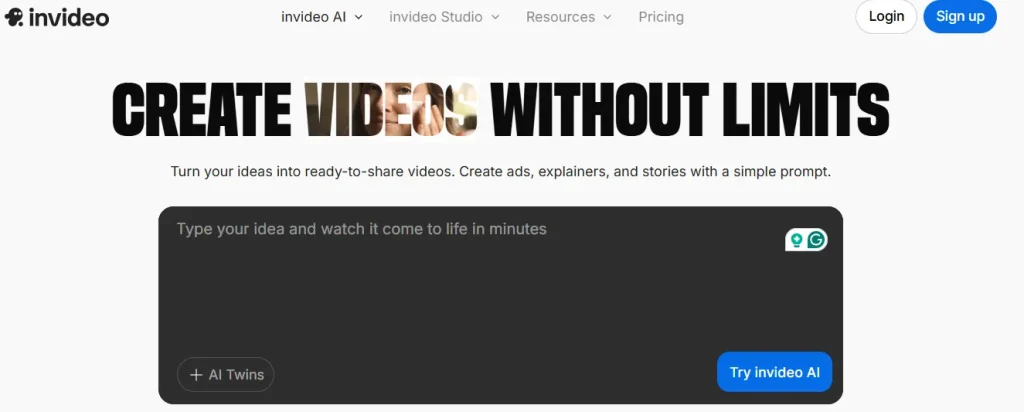
InVideo AI is your all-in-one solution for fast and efficient video creation. This AI video enhancer is designed for anyone, from marketers to YouTubers, who needs to produce engaging content without getting bogged down in complex editing. Just provide a text prompt, and InVideo's AI will generate a script, find relevant stock footage, add a voiceover, and assemble a complete video in minutes.
With a massive library of templates and over 16 million stock media assets, your videos will always look fresh and professional. The platform is entirely browser-based, making it an accessible video enhancer software for creators who value speed and convenience.
InVideo AI Pros
InVideo AI Cons
👉 Best for: Marketers and content creators needing to produce quality videos quickly.
Free Trial: Offers a free plan with limitations.
Final Verdict
InVideo AI is the ultimate productivity tool for content creators, turning ideas into publish-ready videos with impressive speed and ease.
4. FlexClip
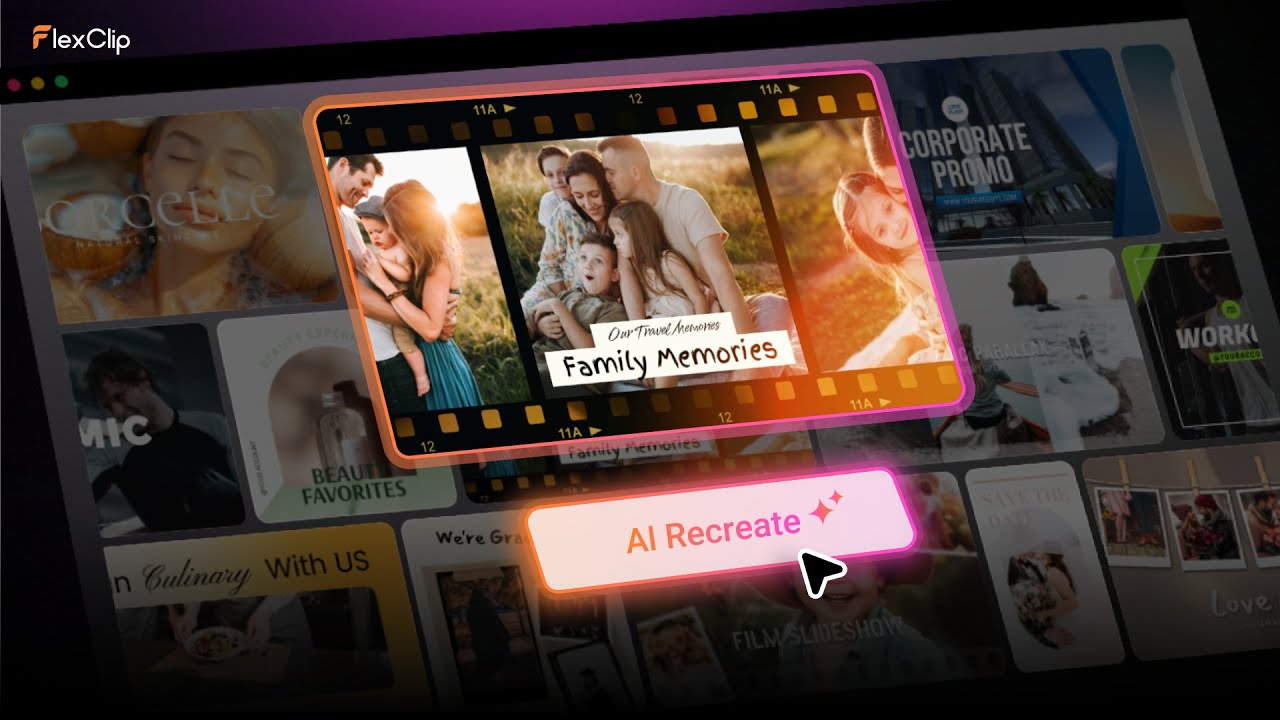
FlexClip is a powerful and user-friendly online video enhancer that makes professional-quality editing accessible to everyone. If you’re creating content for social media, marketing, or personal projects, its intuitive drag-and-drop interface simplifies the process. The tool offers a rich set of features, including an AI video script generator, auto subtitles, and a massive library of stock assets to make your videos pop.
It’s more than just a video editor; it’s a complete toolkit. Enhance your footage with colour grading, add stylish filters, or use the AI background remover to get the perfect look. FlexClip is the ideal video enhancer app for small businesses and content creators who need polished results without a steep learning curve.
FlexClip Pros
FlexClip Cons
👉 Best for: Small businesses and social media managers creating engaging marketing videos.
Free Trial: A free plan with basic features is available.
Final Verdict
FlexClip is a fantastic all-rounder, offering an impressive suite of easy-to-use tools for creating professional videos in minutes.
5. Veed.io
Veed.io is a comprehensive online video editing platform packed with clever AI features designed to save you time. It's the perfect video enhancer for content creators who want to streamline their workflow. The one-click background noise removal tool ensures your audio is crisp and clear, while the auto-subtitle generator makes your videos more accessible to a wider audience.
Beyond audio, Veed offers AI-powered eye contact correction, background replacement, and a full suite of editing tools. Whether you're making training materials or YouTube videos, Veed.io allows you to produce highly polished content directly from your browser, making it a go-to for modern creators.
Veed.io Pros
Veed.io Cons
👉 Best for: YouTubers and corporate trainers focused on creating polished, accessible video content.
Free Trial: Offers a free plan with watermarked videos.
Final Verdict
Veed.io is a powerhouse for creators, with smart AI tools that handle the tedious editing tasks for you.
6. Topaz Video AI
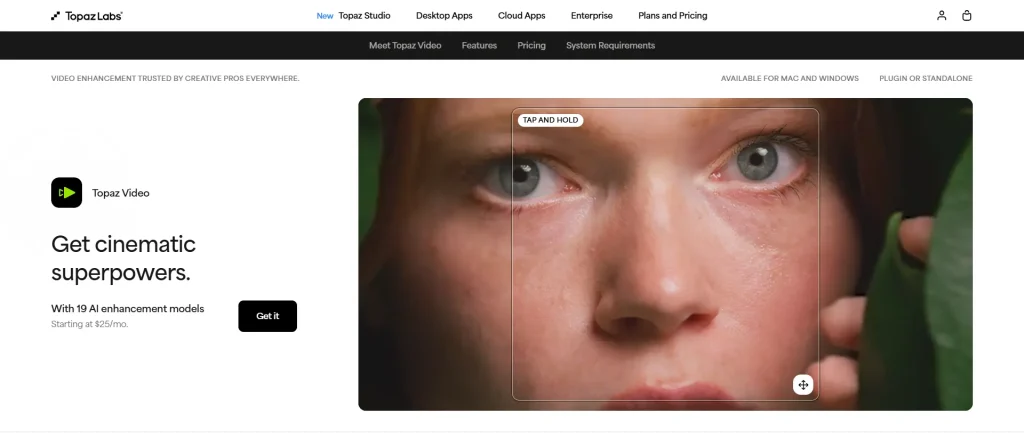
When it comes to pure video quality enhancement, Topaz Video AI is in a league of its own. This professional-grade desktop software uses dedicated AI models to achieve remarkable results. It excels at upscaling low-resolution footage to 4K or even 8K, removing noise and grain from low-light video, and restoring detail in old or compressed files.
Trained on thousands of videos, Topaz Video AI understands how to distinguish detail from noise, allowing it to perform cinema-level denoising and sharpening. It’s the ultimate AI video upscaling tool for professional filmmakers, videographers, and anyone who refuses to compromise on quality.
Topaz Video AI Pros
Topaz Video AI Cons
👉 Best for: Professionals and enthusiasts needing the highest quality video restoration and upscaling.
Free Trial: No free trial, but offers a 30-day money-back guarantee.
Final Verdict
For unmatched visual restoration and upscaling power, Topaz Video AI is the definitive choice for professionals seeking perfection.
7. Gling AI
Gling AI is a specialised video enhancer built for one purpose: to save YouTubers countless hours of editing. This clever AI tool automatically analyses “talking head” footage and removes silences, bad takes, and filler words (“ums” and “ahs”). Instead of manually trimming your timeline, you get a clean, tight edit in a fraction of the time, allowing you to focus on the creative side of things.
Gling also provides AI-generated captions, automated zoom effects to keep viewers engaged, and noise removal. It integrates smoothly with professional editing software like Premiere Pro and Final Cut Pro, making it an essential part of any serious creator's workflow.
Gling AI Pros
Gling AI Cons
👉 Best for: YouTubers and vloggers who want to automate editing talking-head videos.
Free Trial: A free trial is available to process your first videos.
Final Verdict
Gling AI is a revolutionary time-saver for YouTubers, automating the most tedious parts of editing with stunning accuracy.
8. Filmora
Wondershare Filmora has long been a favourite for its user-friendly approach to video editing, and now it's packed with powerful AI enhancement tools. Filmora’s AI Video Enhancer can upscale videos to 4K, reduce blur from shaky footage, and automatically correct colours for a vibrant, professional look—all with a single click.
Filmora is the perfect video enhancer software for creators who want a balance of simplicity and power. It offers an AI Copilot to assist with editing, an AI music generator to find the perfect soundtrack, and a host of other smart features, making it a fantastic all-in-one solution for budding filmmakers and experienced editors alike.
Filmora Pros
Filmora Cons
👉 Best for: Aspiring filmmakers and content creators wanting a powerful, yet easy-to-use editor.
Free Trial: A free trial with watermarked exports is available.
Final Verdict
Filmora makes advanced AI video enhancement incredibly accessible, combining power and simplicity in one affordable package.
Essential Features in a High-Quality Video Enhancer Tool
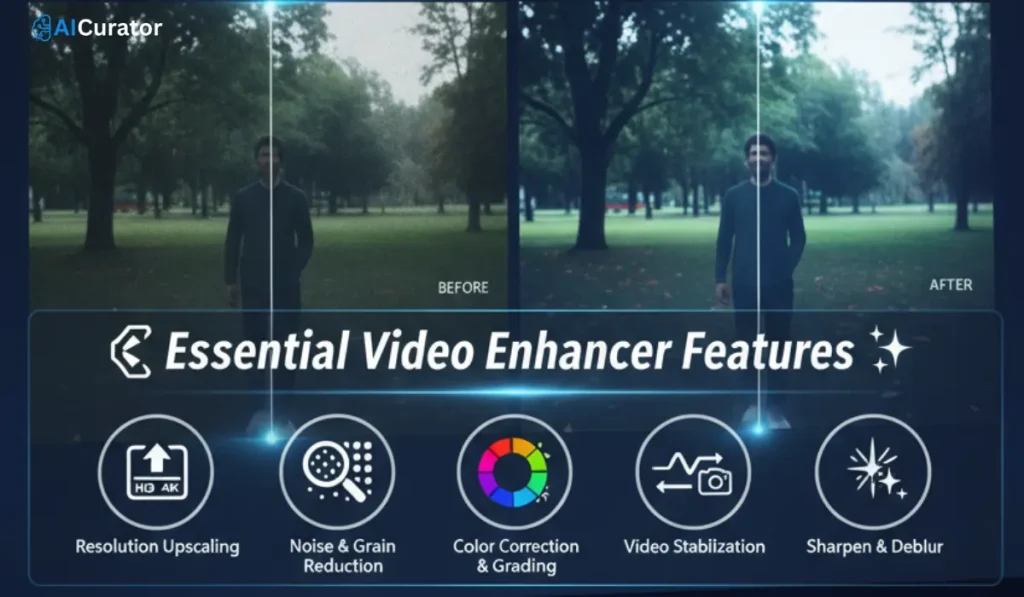
When selecting a high-quality video enhancer tool, it is important to look for a specific set of technical features that ensure effective and professional results. These core functions are the foundation of any powerful video enhancement software.
Boost Your Video Production with Smart Enhancers
In the world of digital content, the quality of your video can make all the difference. The right AI video enhancer is no longer a luxury but a vital asset for achieving professional-grade results.
From upscaling old footage to 4K to automating tedious editing tasks, these tools empower creators of all skill levels to produce polished, engaging content with remarkable efficiency.
If you're a filmmaker, marketer, or YouTuber, the perfect solution for your needs is available. Consider the options we've explored to elevate your creative projects.

Recommended Readings: