








Spending hours on spreadsheet grunt work that AI could finish in seconds? AI Tools for Google Sheets now handle everything from formula generation to data cleaning, sentiment analysis, and predictive forecasting—no coding required.
Type plain English commands like “group these 500 reviews by sentiment” and watch AI process thousands of rows instantly. Teams using spreadsheet automation report cutting manual tasks by 70% while eliminating formula errors.
These tools integrate GPT-4, Claude, and Gemini to transform your Sheets into intelligent dashboards. Stop wrestling with VLOOKUP—start working smarter.
How AI Tools Simplify Formula Creation and Error Detection in Google Sheets
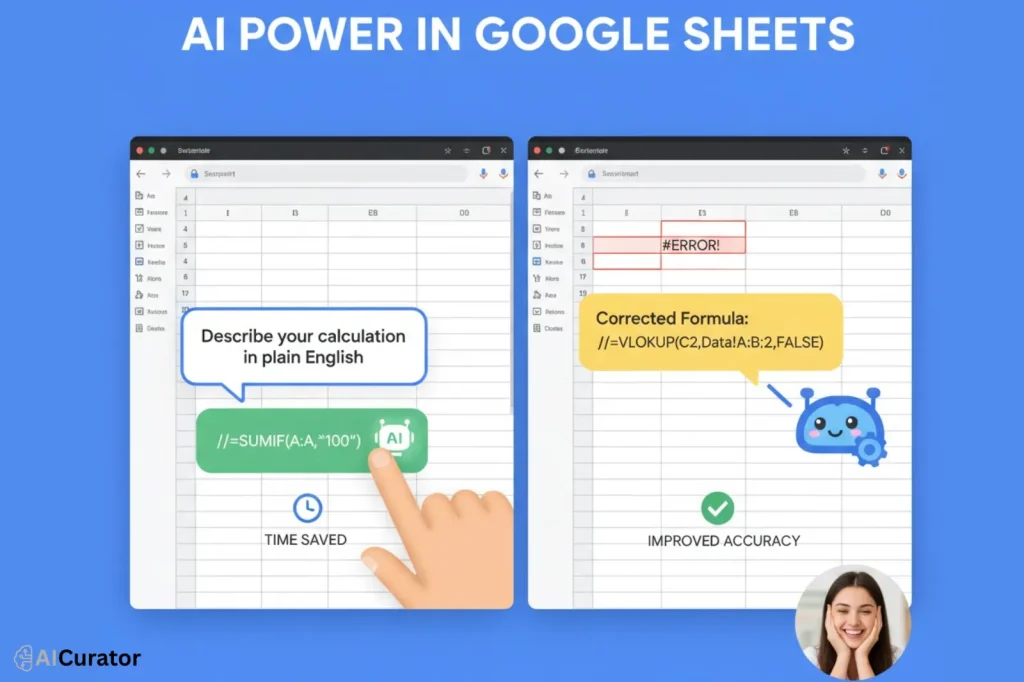
Google Sheets AI tools now let you describe complex calculations in everyday language, instantly transforming plain requests into fully accurate spreadsheet formulas. This eliminates the classic struggle of trial-and-error syntax and frees you from endless Google searches for the “right” function.
Advanced algorithms proactively scan your Google Sheets, highlight formula errors, and pinpoint problem cells before you even hit enter. Real-time error detection not only prevents costly data mistakes but also boosts confidence for non-coders.
Seamless, smart, and fast—turning formula chaos into clean results with zero technical headaches.
AI Tools for Google Sheets That Save You Hours of Work
| 🔧 AI Tools for Google Sheets | ✨ Best For | 💡 Key Strength |
|---|---|---|
| Numerous.ai | Content creators | Plain English commands |
| SheetAI.app | Data analysts | AI with memory |
| Coefficient | RevOps teams | Live data syncing |
| SheetMagic | SEO specialists | Unlimited web scraping |
| Formulas HQ | Business analysts | Multi-language support |
| Zoho Sheet | Finance teams | Seamless Zoho integration |
| GPTExcel | Data professionals | Pivot table automation |
1. Numerous.ai
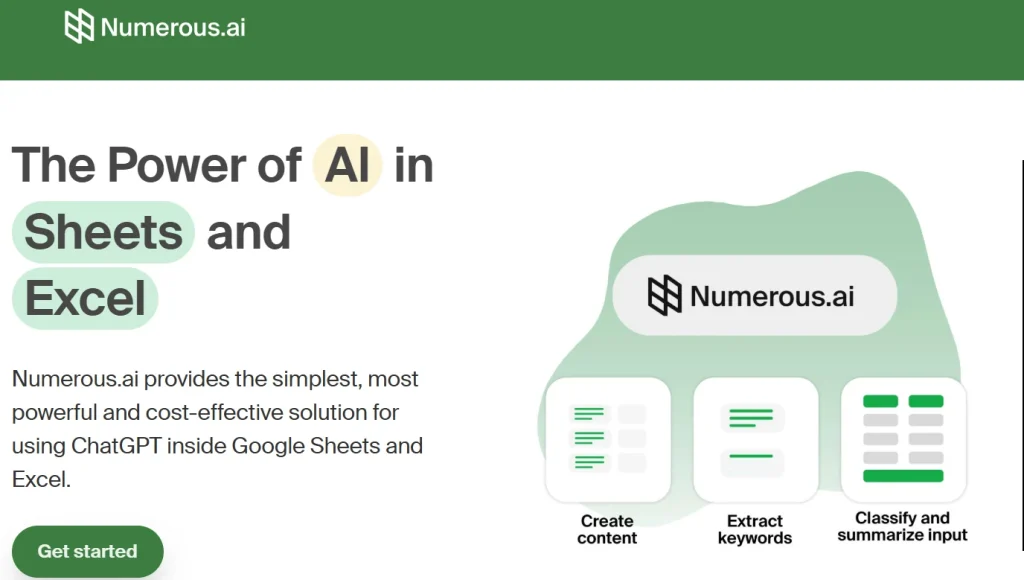
Numerous.ai is your AI assistant inside Google Sheets, built to automate your most demanding tasks. It is designed for marketers, content creators, and business teams who need to analyze data and generate content efficiently.
This tool interprets plain English commands to clean data, summarize text, or create ad copy, eliminating the need for complex formulas. It integrates directly into your workflow, helping you turn raw data into clear, actionable insights with minimal effort.
Numerous.ai Key Features
Why Choose Numerous.ai?
It converts complex spreadsheet jobs into simple text commands, making powerful AI accessible to anyone on your team without coding.
2. SheetAI.app
SheetAI integrates artificial intelligence directly into your Google Sheets, transforming how you handle data. It is built for data analysts, marketers, and researchers who need to perform complex analysis and generate structured content without writing intricate formulas.
This tool allows you to ask questions in plain English and receive instant answers within your cells. By training the AI on your own data, you get highly accurate and context-aware responses, making your data analysis both faster and smarter.
SheetAI.app Key Features
Why Choose SheetAI.app?
Choose SheetAI.app to embed a customizable AI brain into your spreadsheets, automating sophisticated analysis and content creation tasks effortlessly.
3. Coefficient
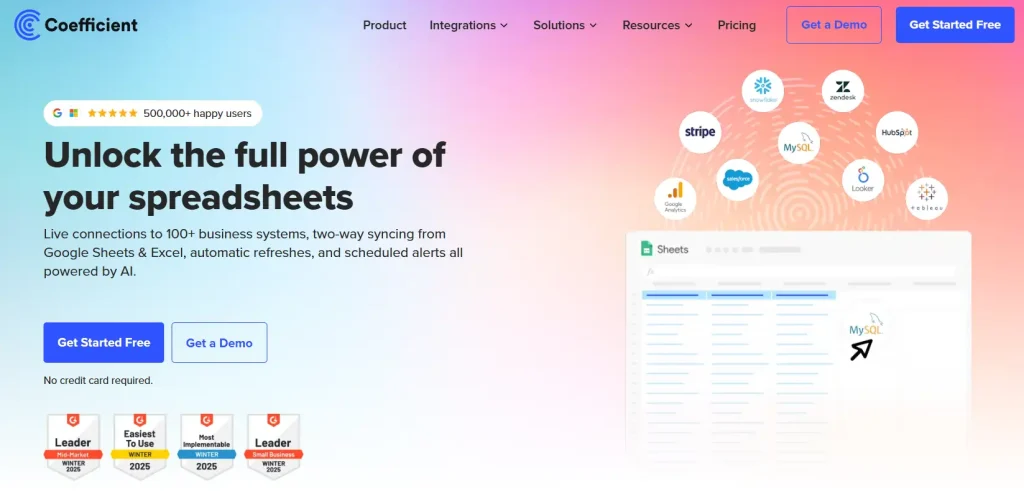
Coefficient unlocks the full power of your spreadsheets by connecting them to live data from over 100 business systems, including Salesforce, HubSpot, and Snowflake. It is designed for RevOps, finance, and marketing teams that need to build real-time dashboards and automate reporting without endless copy-pasting.
With Coefficient, you can schedule automatic data refreshes, sync data back to your source systems, and trigger alerts in Slack or email. This ensures your team is always working with the most current and accurate data available.
Coefficient Key Features
Why Choose Coefficient?
Choose Coefficient to connect your spreadsheets to your business systems, automate your data workflows, and get your weekends back.
4. SheetMagic
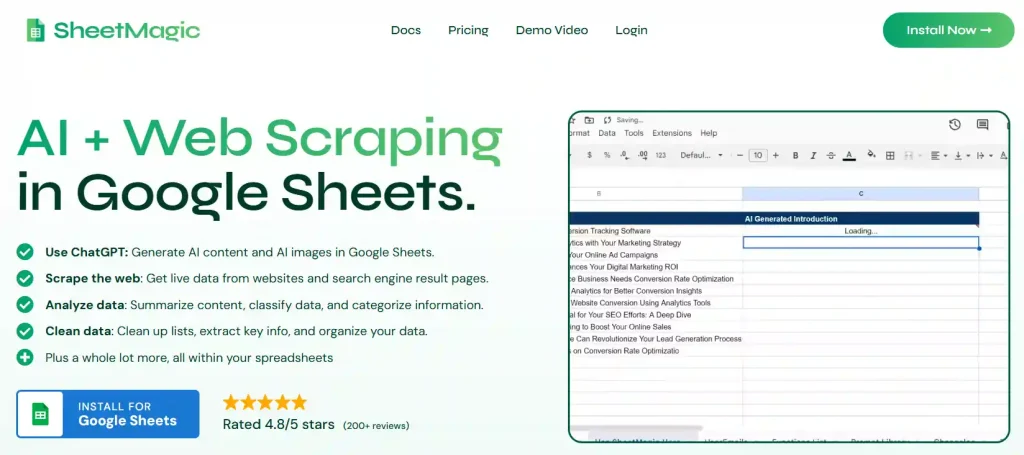
SheetMagic is a powerful AI and web scraping tool designed for Google Sheets. It allows you to generate bulk AI content, scrape live data from websites, and analyze information directly within your spreadsheets.
Trusted by thousands of users, it empowers marketers, SEO specialists, and researchers to automate time-consuming tasks. By connecting your own API keys, you get unlimited, cost-effective usage for both content creation and data extraction.
SheetMagic Key Features
Why Choose SheetMagic?
Choose SheetMagic for its unique combination of unlimited AI and web scraping, which automates complex data and content workflows efficiently.
5. Formulas HQ

Formulas HQ is an AI-powered platform designed to enhance your mastery of Google Sheets and Excel. It is ideal for business analysts, managers, and finance professionals who need to generate complex formulas, scripts, and regular expressions without extensive coding knowledge.
This tool simplifies spreadsheet tasks by allowing you to describe your goal in plain English, and it generates the correct formula or script for you. With support for Google Apps Script, VBA, and even Python, Formulas HQ helps you automate tasks, clean data, and uncover insights faster, directly improving your productivity and accuracy.
Formulas HQ Key Features
Why Choose Formulas HQ?
Choose Formulas HQ to save hours on manual spreadsheet work, improve your credibility, and focus on analysis rather than formula creation.
6. Zoho Sheet
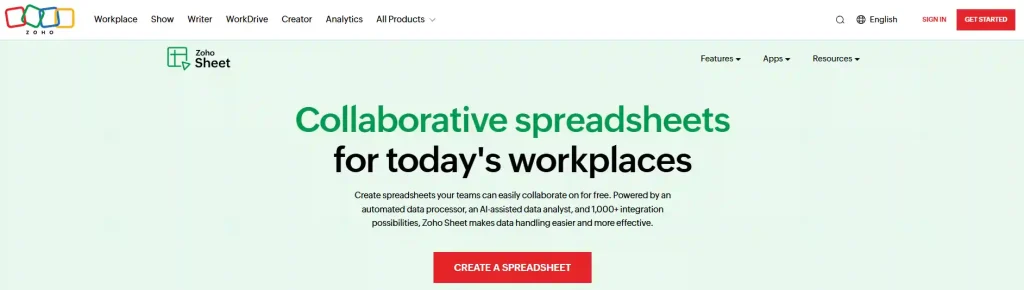
Zoho Sheet provides intelligent and collaborative spreadsheets designed for today's workplaces. Powered by Zia, its AI assistant, it automates data cleaning, analysis, and chart creation. This tool is perfect for business owners, analysts, and teams who need to work together in real time.
It allows for seamless data connections with other Zoho applications like CRM and Projects, ensuring your data is always contextual and up-to-date. With excellent compatibility with Microsoft Excel, you can import and work on your files without losing any formatting.
Zoho Sheet Key Features
Why Choose Zoho Sheet?
Choose Zoho Sheet for its powerful AI-driven analysis, deep integration with the Zoho ecosystem, and excellent real-time collaboration features.
7. GPTExcel
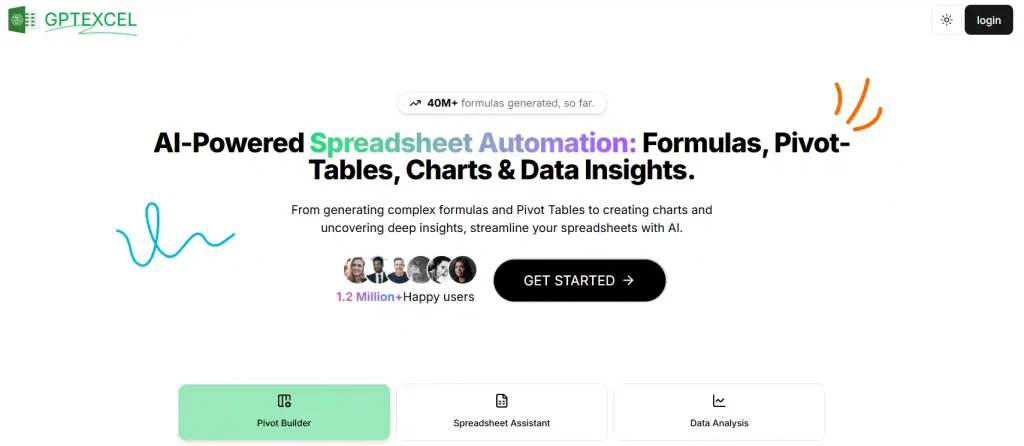
GPTExcel is a comprehensive AI assistant designed to automate and simplify your work in Google Sheets, Excel, and Airtable. It is an ideal tool for data analysts, business owners, and finance professionals who need to generate complex formulas, create pivot tables, and produce data insights without manual effort.
This platform streamlines your entire workflow by allowing you to generate formulas, Apps Scripts, and even SQL queries from simple text prompts. With features like an interactive chat for data analysis and the ability to convert images into editable tables, GPTExcel significantly enhances productivity for over a million users.
GPTExcel Key Features
Why Choose GPTExcel?
Choose GPTExcel for its versatile AI toolkit that goes beyond formulas, offering scripting, data analysis, and interactive chat to revolutionize your spreadsheet workflow.
Step-by-Step Guide to Implementing AI Tools in Your Google Sheets Workflow

Implementing AI tools in your Google Sheets workflow is a direct process that enhances your productivity. Here is a general guide to get started with a typical AI add-on.
- Find and Install the Add-on: Access Google Workspace Marketplace, search for an AI tool, and install it to your account.
- Grant Permissions: Allow the tool to access and modify spreadsheets, a standard requirement for functionality within Google Sheets.
- Activate the Tool in a Sheet: Open a sheet, navigate to Extensions or Add-ons menu, and select the AI tool.
- Provide Instructions: Type your request in plain language, such as sum data or clean duplicates, into the tool's input.
- Insert the Output: The AI processes your command and delivers formulas, cleaned data, or summaries to insert into cells.
Take the Next Step
Pick one AI tool for Google Sheets from this list and plug it into a single live spreadsheet today.
Start with a low-risk report, use prompts that match how you already think, and watch how fast you can ship updates, dashboards, and summaries.
Once you feel what real spreadsheet automation is like, roll it out to client reports, team trackers, and ops sheets—then come back and stack a second and third tool for compounding gains. You’ll never look at Sheets the same way again.

Recommended Readings: